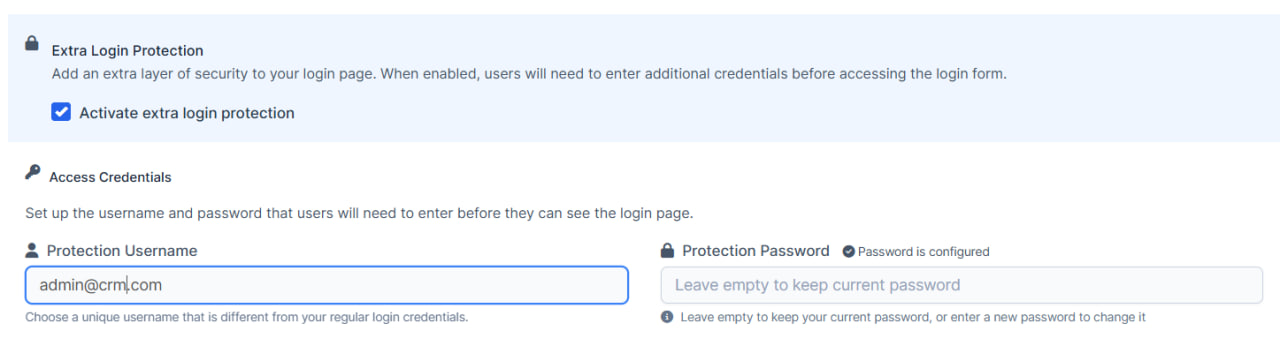
How To Set Extra Login Protection?
IN THE CRM
It is suggested to have it ON and configured.
This will provide an additional layer of protection for your CRM. For example, you will need to enter a PIN code before accessing the office. The code can be changed.
Once done, please share this code with our support for our stuff to be able to give you the help within the crm.
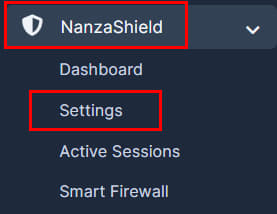
1. Go to "Nanza Shield" and choose "Settings" tab.
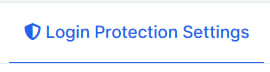
2. Press on the "Login Protection Settings".
3. Press on "Activate extra login protection" and set up new credentials.