How to Set Manager Platform tab to Viewed by Department?
If the "View Department Data Only" is enabled, the staff member will be able to see the CFD, orders, margin positions, etc under Manager Platform which are assigned to the department this staff member is in.
If disabled, it will show it all to the staff member.
Make sure the staff memeber is assigned to their Department.
IN THE CRM
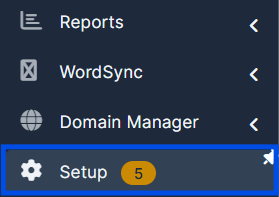
1. Go to "Setup".
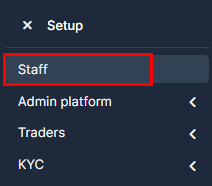
2. Go to "Staff".
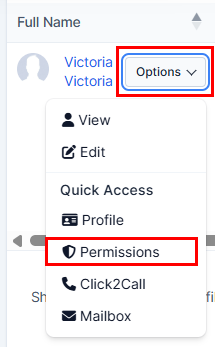
3. Choose the staff member. Press on "Options" and choose "Permissions".
4. Go to "Trading Platform Access". Make sure the agent has "View Department Data Only".

5. Press on "Submit" .
