How to upload logo to the platform?

IN THE CRM
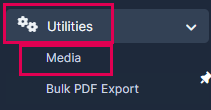
1. Go to "Utilities" and choose "Media" tab.
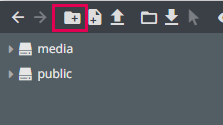
2. Create a "New Folder" or choose an existing one in the "Media". Press on the folder to access it.
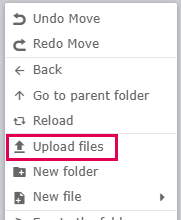
3. Press on the grey part of the screen with the right button of your mouse and choose "Upload Files".
4. Go to "Setup".
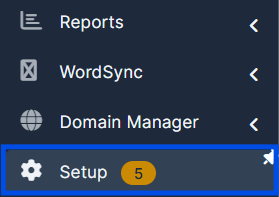
5. Press on the "Admin Platform" tab.
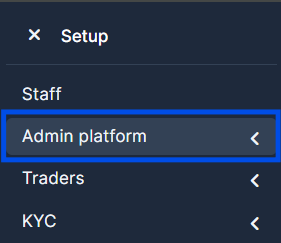
6. Choose "General Settings".

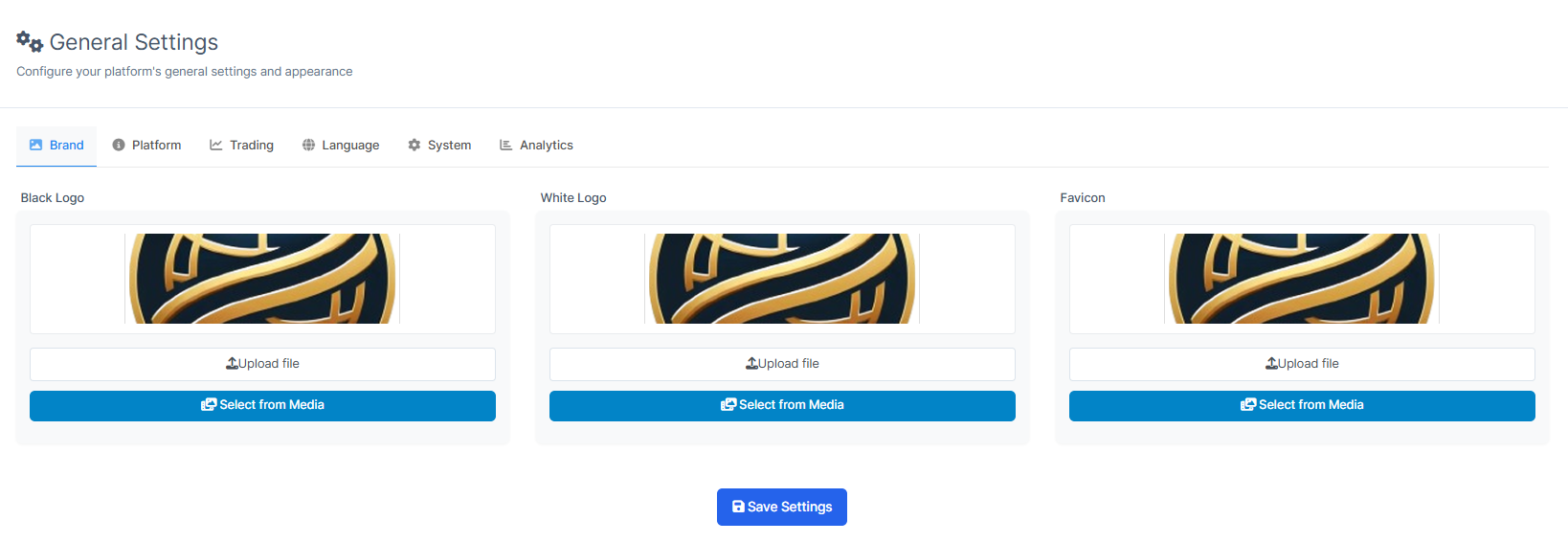
7. Choose the "Upload file" to upload the file from your device or "Select from media" button, choose the folder and find the image you created before and press on it. As a result your logo will be inserted. This way you can insert "Black Logo", "White Logo" and "Favicon".
Black Logo - for this logo, it is suggested to have a contrast image (bright image).
White Logo - for this logo, it is suggested to have a contrast image (dark image).
Favicon - is the small logo on the top of the page by the site's name.
If your logo is transparent, make sure to upload it in the SVG or PNG format.