How to Check the Transaction History?
IN THE CRM
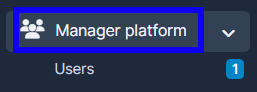
1. Go to "Manager Platform" on the crm in the menu on the left side of the page to log in to the user's platorm.
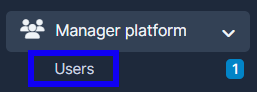
2. Choose the "Users" tab.
3. Press on "View" in the user's name.

3. Press on the account type and choose "Transactions".

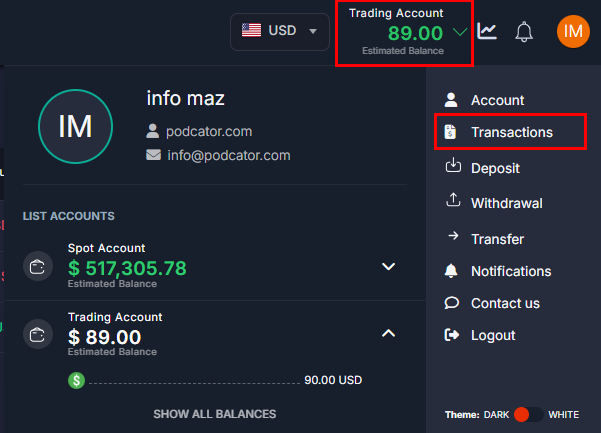
4. Choose the account type to view the transactions.

5. You can filter the transactions by using the Filter.
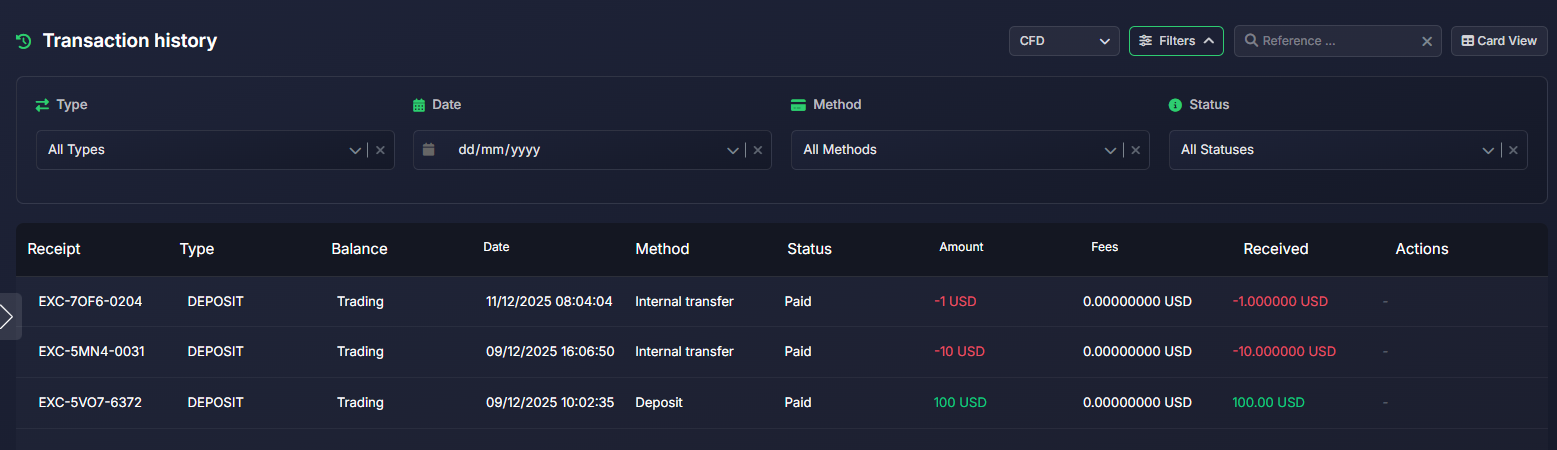
6. You can as well choose a more convenient view by pressing on the "Card/Table View".
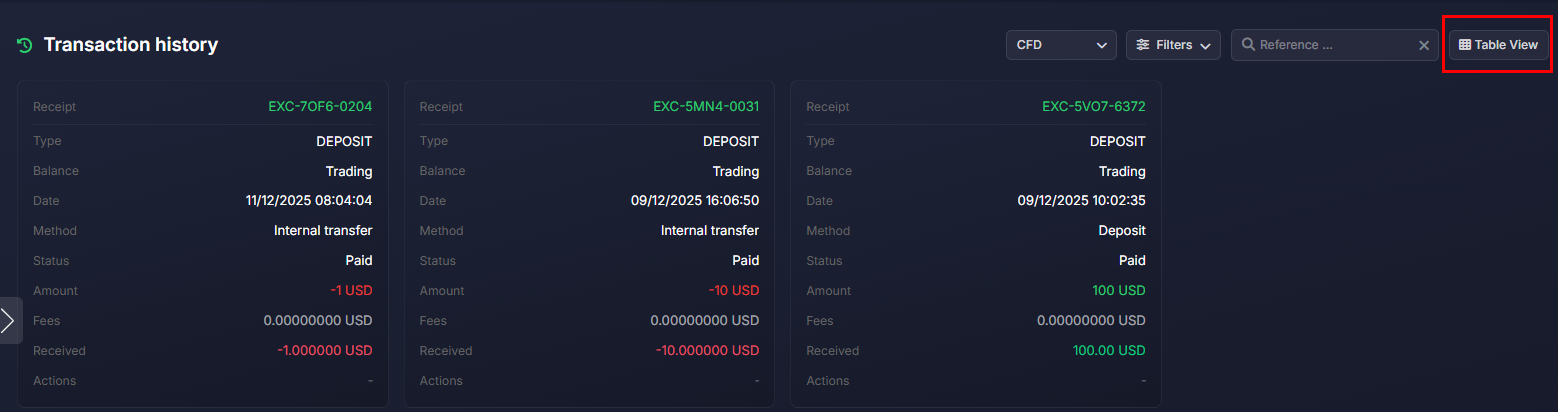
7. By using search by reference you can find the receipt you're looking for.
