How To Set Wallet Address for Deposit?
IN THE CRM
1. Go to "Setup".
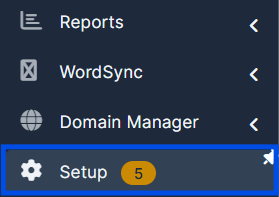
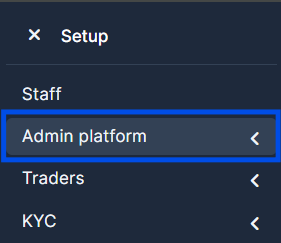
2. Press on the "Admin Platform" tab.
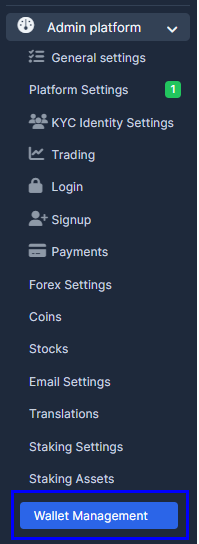
3. Choose "Wallet Management" button.
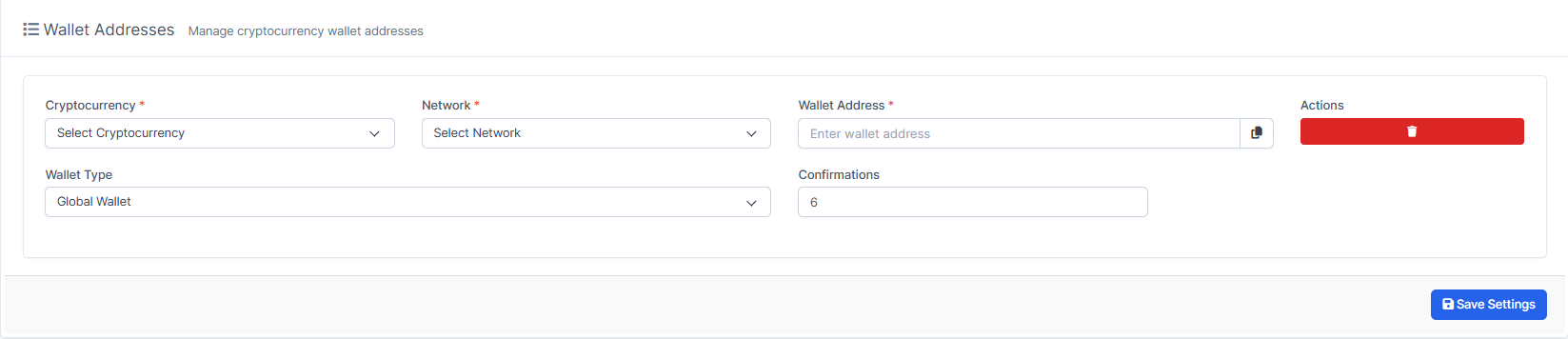
4. Press on "Add Address" button or "Add First Address".

5. Fill in required information. Make sure to choose "Cryptocurrency", "Network", "Wallet Address" and once done press on the , "Save Settings".
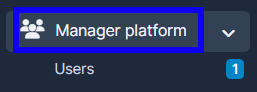
6. Use the platform access to the account. OR the crm to go to "Manager Platform" on the crm in the menu on the left side of the page to log in to the user's platorm.
7. Choose the "Users" tab.
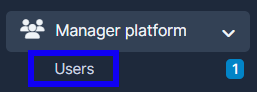
8. Press on "View" in the user's name.

9. Press on the account then on "Deposit".
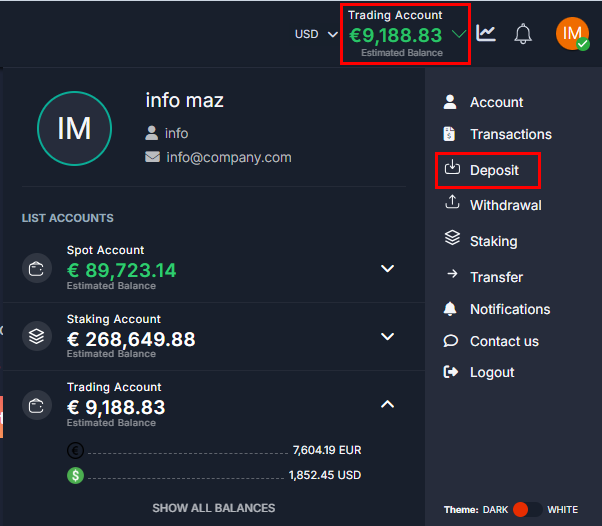
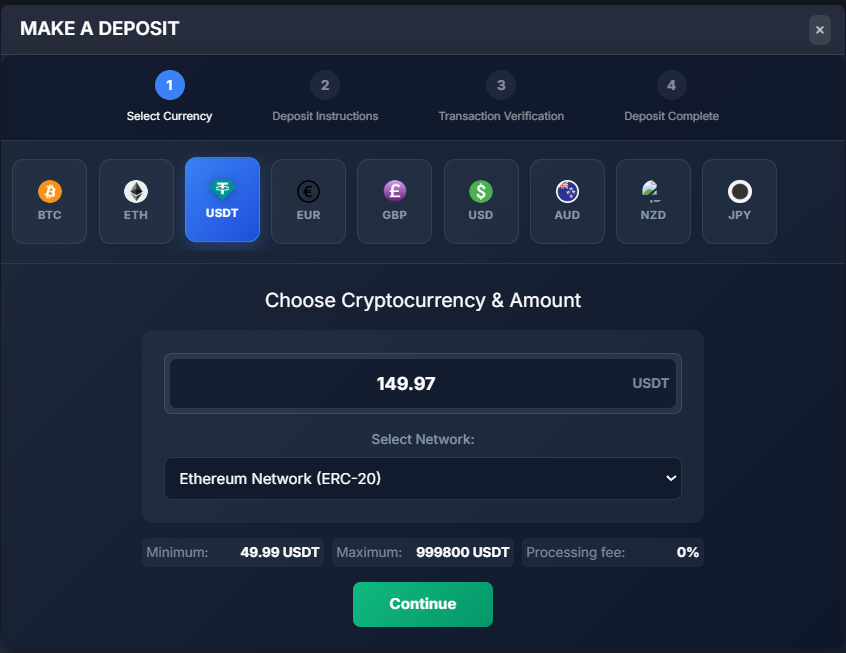
10. There you will be able to access the Deposit page, where you can change the currency, the wallet address for the confirmation and so on. Choose the Currency, Amount and the Network. Press on "Continue" to proceed.
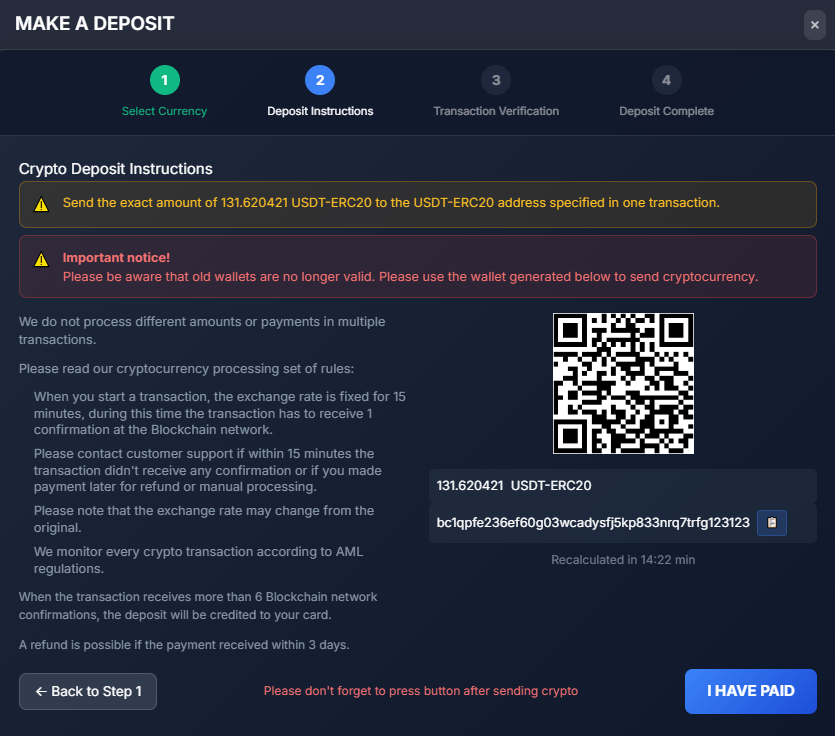
11. Verify the information and press on "I have paid".
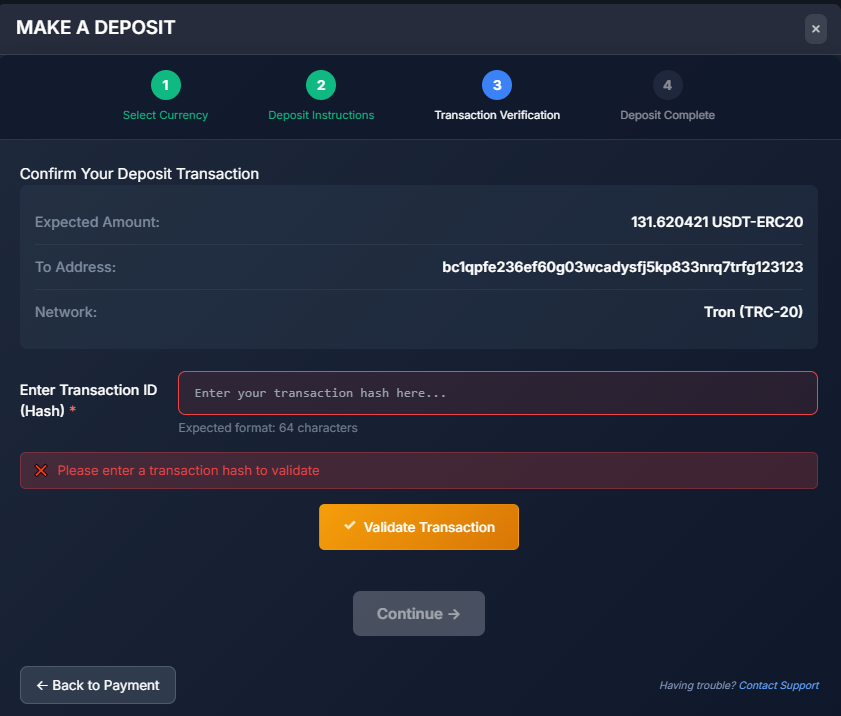
12. Fill in required information and press on "Validate transaction" to verify the Transaction ID. Once the action turns green, press on "Continue" to proceed.