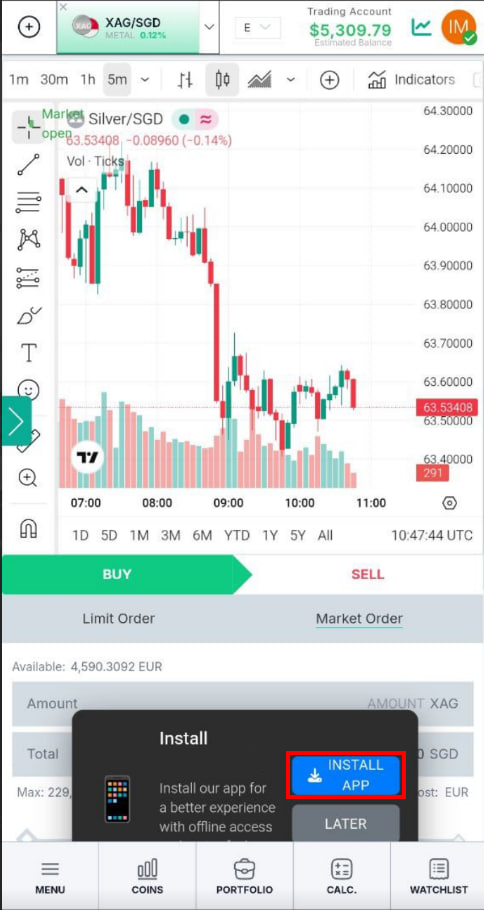
How to Make Your App Downlodable?
Way I
IN THE CRM
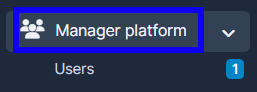
1. Go to "Manager Platform" on the crm in the menu on the left side of the page to log in to the user's platorm.
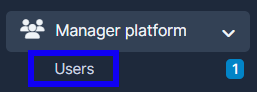
2. Choose the "Users" tab.
3. Find the user with an admin account on the platform. Press on "View" in the user's name.

4.Scroll down to reach the "Platform".

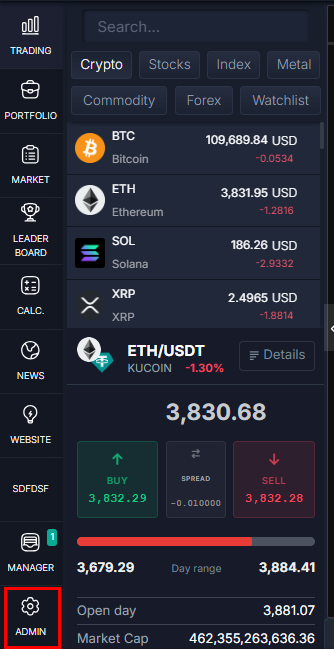
5. Press on the "Admin" button.
6. Press on the "General Settings" tab, find "PWA Settings" and enable it.
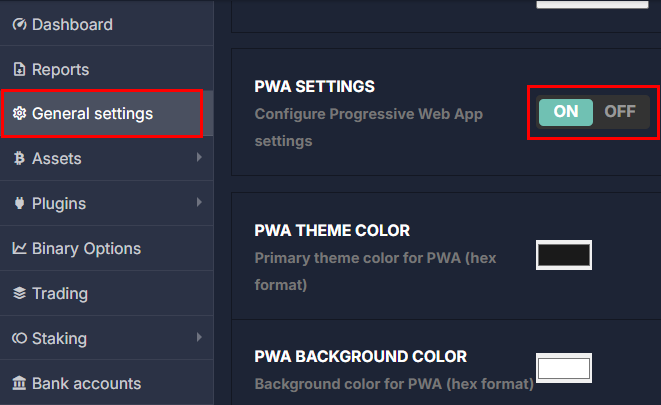
7. Scroll all the way down and press on "Save" for the system to remember your choice.

Way II
ON THE PLATFORM
1. Log in to your admin "Platform" account.
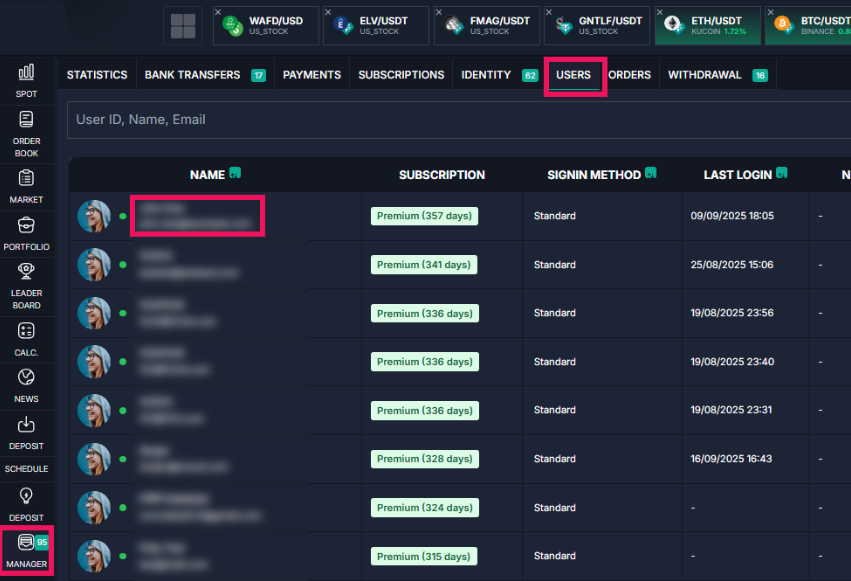
2. Press on the "Admin" button.
3. Press on the "General Settings" tab, find "PWA Settings" and enable it.
4. Scroll all the way down and press on "Save" for the system to remember your choice.
Additionally
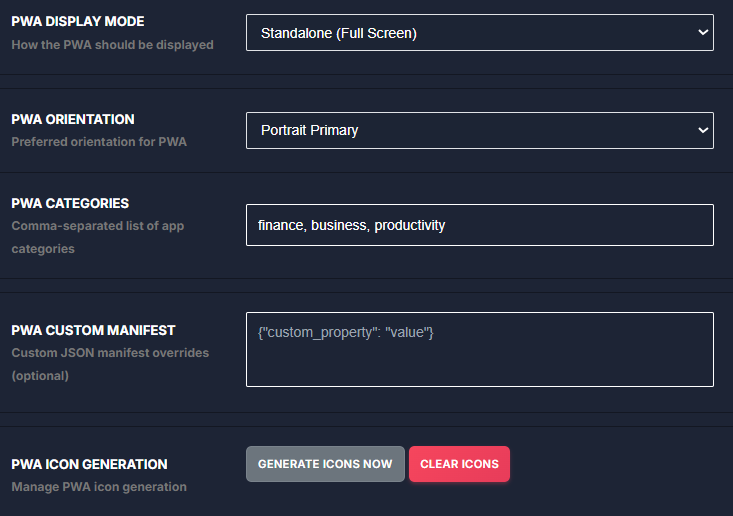
The "PWA" settings can be costumised up to your request.

How to install the app?
Way I
From the PC
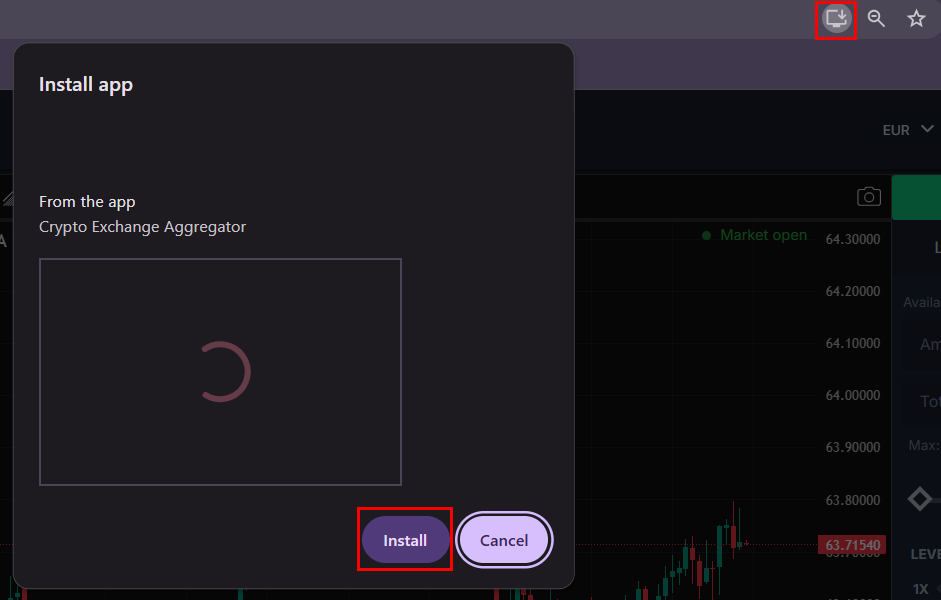
1. Login to your account. Press on the installation button and press on "Install".
Way II
From the phone
1. Login to your account. Press on the installation button and press on "Install".