How to Add Additional Currency to the Deposit?
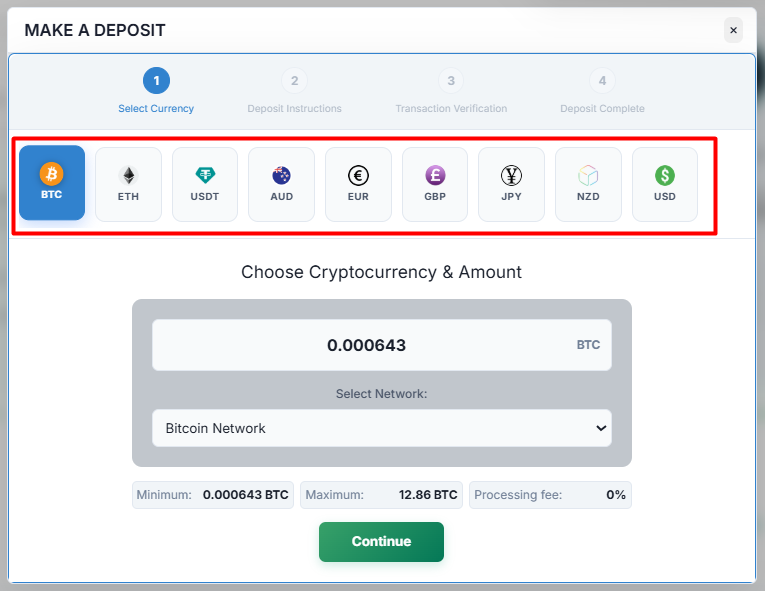
IN THE CRM
1. Go to "Setup" in the settings panel on the left side of the CRM.

2. Go to "Admin Platform" category, go to "Trading" and choose "Trading".
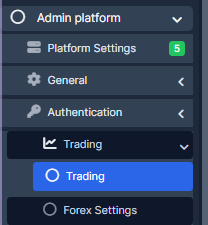
3. Go to "Deposits" category and add in the currencies required for the wallet deposit. Use "Deposit coins allowed" and "Deposit currencies allowed".
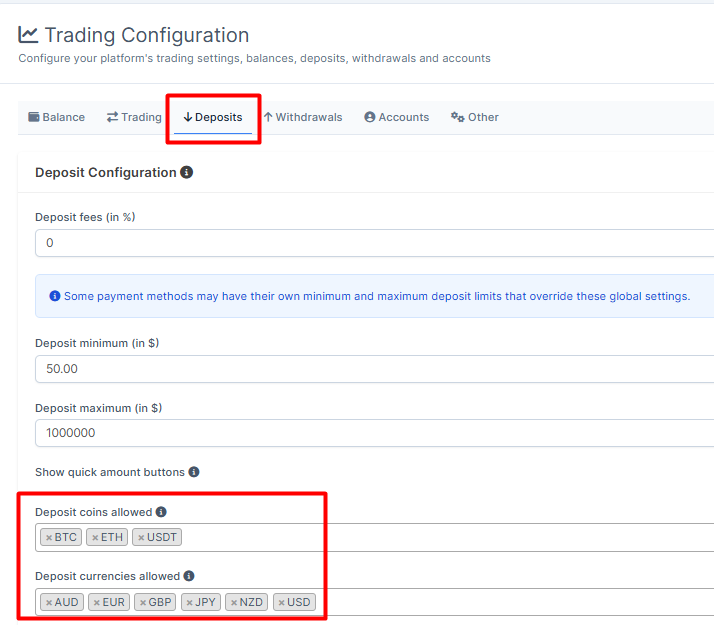
4. To add the address attached to the country, go to "Admin Platform" category, choose "Trading" tab and pick "Wallet Management".
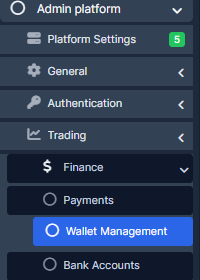
5. Press on the "Add Address" button.

6. Fill in the required fields and press on "Save Settings" to remember the choice.
