How to Add Additional Mailbox?
IN THE CRM
To create the Mailbox #1
1. Go to "Setup" in the crm in the menu on the left side of the page.

2. Choose the "Settings" tab.

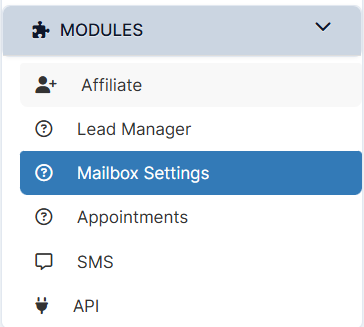
3. Scroll down and choose the "Mailbox Settings".
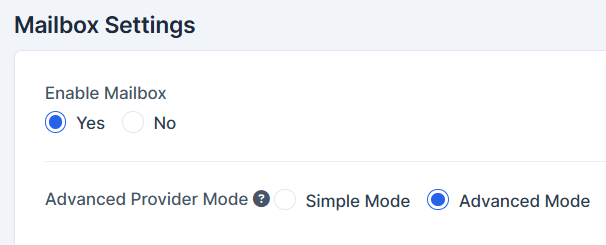
4. Make sure the Mailbox is Enabled. Choose "Advanced Mode".
5. Choose your Email Provider out of the falling list.

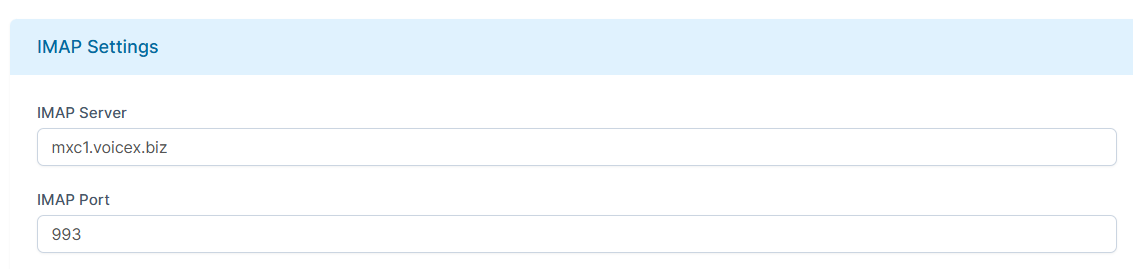
6. Configure remained IMAP and SMTP settings for the provider. The Port and Server information can be found in the internet. Make sure the IMAP is written in caps.
7. Press on "Save Settings" to save the Mailbox #1.
To create a second mailbox, repeat all the setup actions using a different mailbox provider.