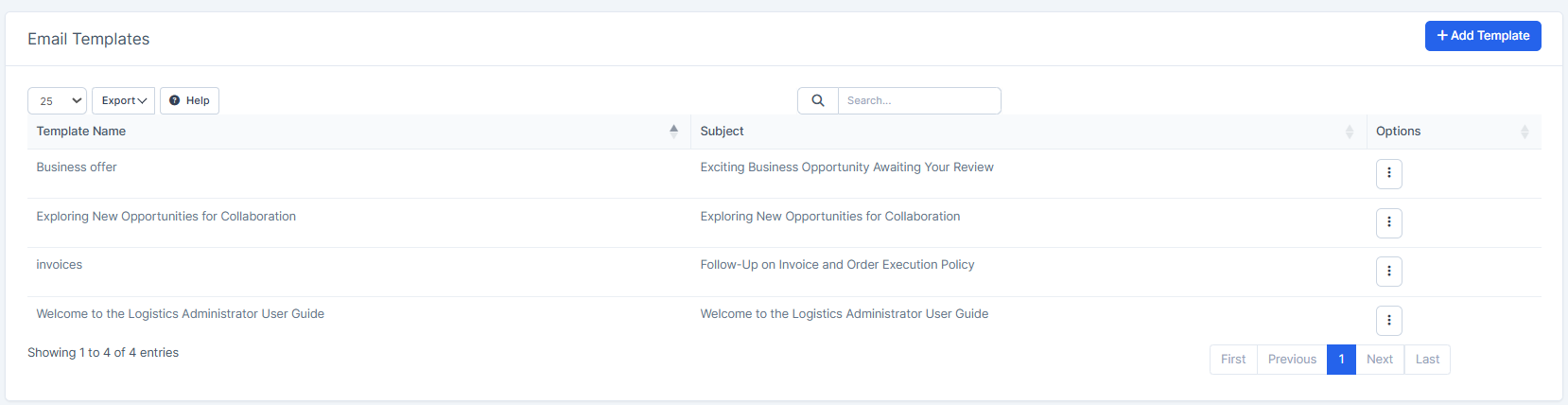
How to Add an Email Template?
IN THE CRM
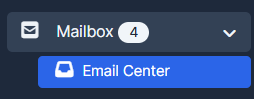
1. Go to "Mailbox" in the crm in the menu on the left side of the page. Choose "Email Center".
2. Press on the "Compose Email" button.

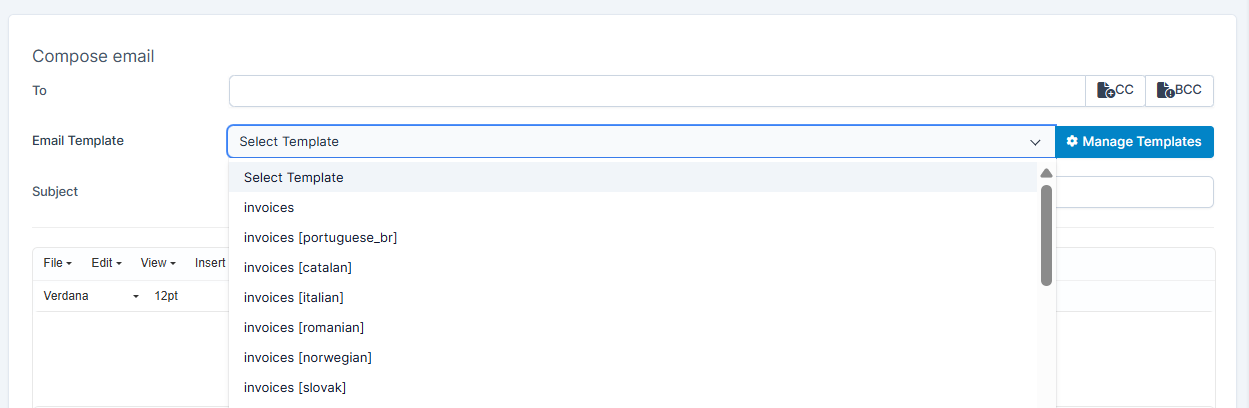
3. Press on the "Manage Templates" button.
You will be able to get the access to all your available enabled templates.

4. Press on the "Add Template" button to create a new template.

5. You can choose to whether "Create New" or "Use Existing". The existing template is editable and can be saved as a new template. You can as well create a template via the ai assistant. Fill in the fields to create a new template.

6. As you're done, press on "Submit" to save your choice. You can check the list of the available templates after.