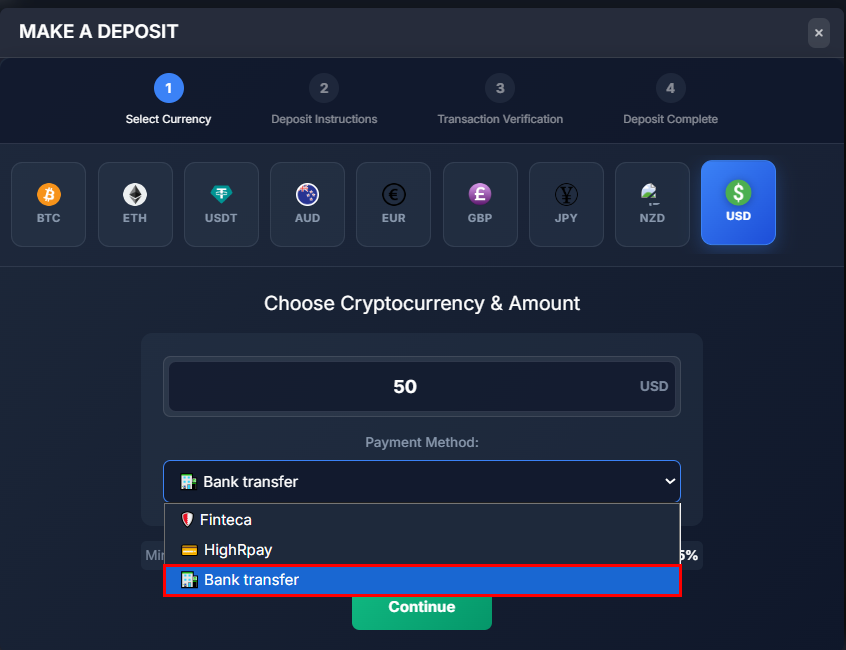
How to Add Bank Account to the Platform?
ON THE CRM
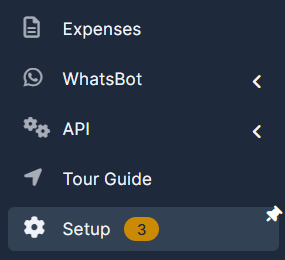
1. Go the the "Setup" on the menu from the left side of the page.
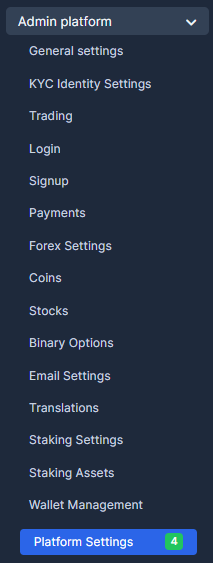
2. Go the the "Admin Platform" and chose "Platform Settings".
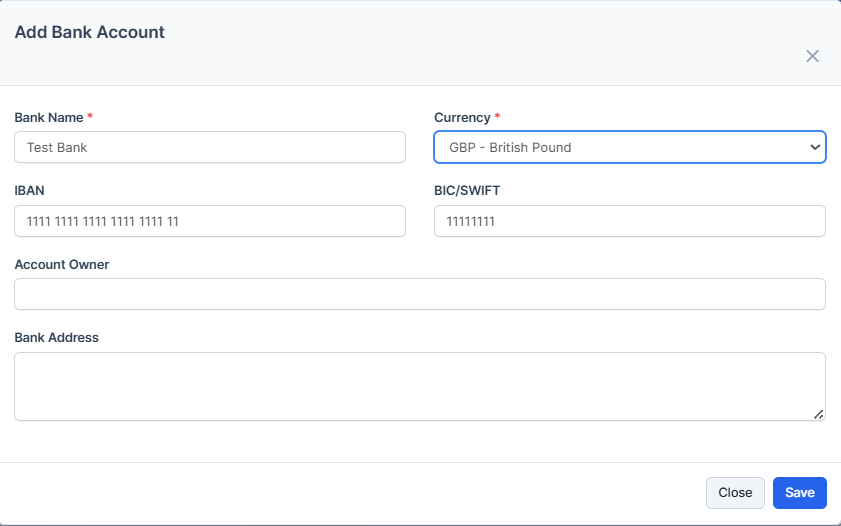
3. Press on "Add Bank Account".

4. Fill in the fields and press on "Save". Once done, you will be able to view the bank in the list.

5. You can check it from the Platfrom by going to "Deposit" and choosing the currency you set the bank in.