IN THE CRM
You may also find this article useful: How To Add A New Filter To Leads?
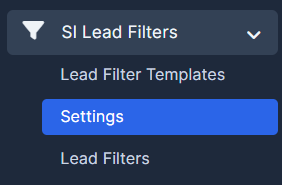
1. Go to "SI Lead Filters" and press on "Settings".
2. Your filter will be added here. Choose one.
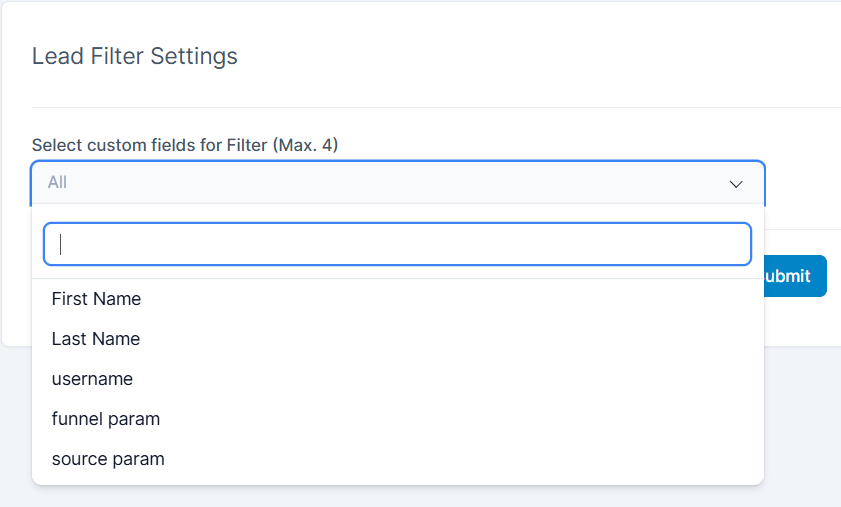
3. Fill in the fields and press "Submit".

Find answers to your questions quickly
IN THE CRM
You may also find this article useful: How To Add A New Filter To Leads?
1. Go to "SI Lead Filters" and press on "Settings".
2. Your filter will be added here. Choose one.
3. Fill in the fields and press "Submit".