Where to Find Default SPOT Currency?
IN THE CRM
Those settings will define the general currency for the SPOT for the newly created accounts. This is the estimation currency.
1. Go to "Setup" in the settings panel on the left side of the CRM.

2. Choose "Settings".

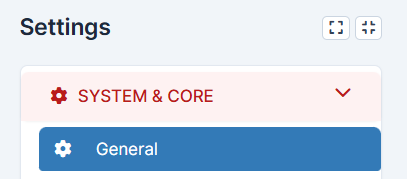
3. Go to "System & Core" and pick "General".
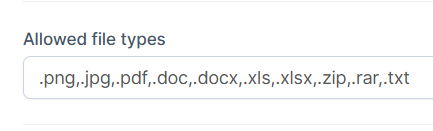
3. Scroll to the "Allowed file types" and insert the format, e.g. md..
4. Press on "Save Setting" to remember the choice.