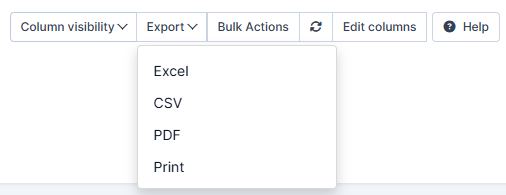
How to Enable the Export in PDF Function?
IN THE CRM
1. Go to "Setup" in the settings panel on the left side of the CRM.

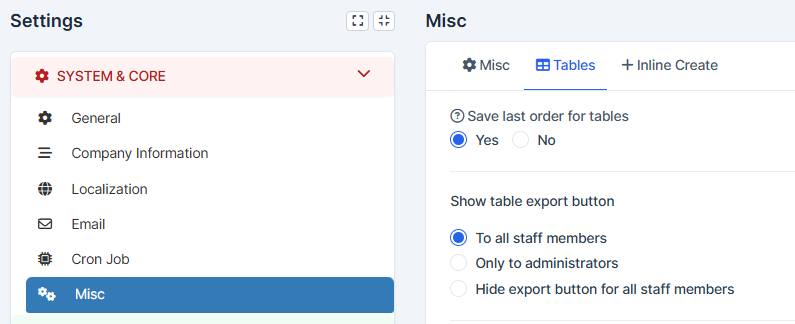
2. Choose "Settings".

3. Go to "Misc" and pick "Tables". Find the "Show table export button" option and choose the variant that suits you the most.
3. Press on "Save Setting" to remember the choice.