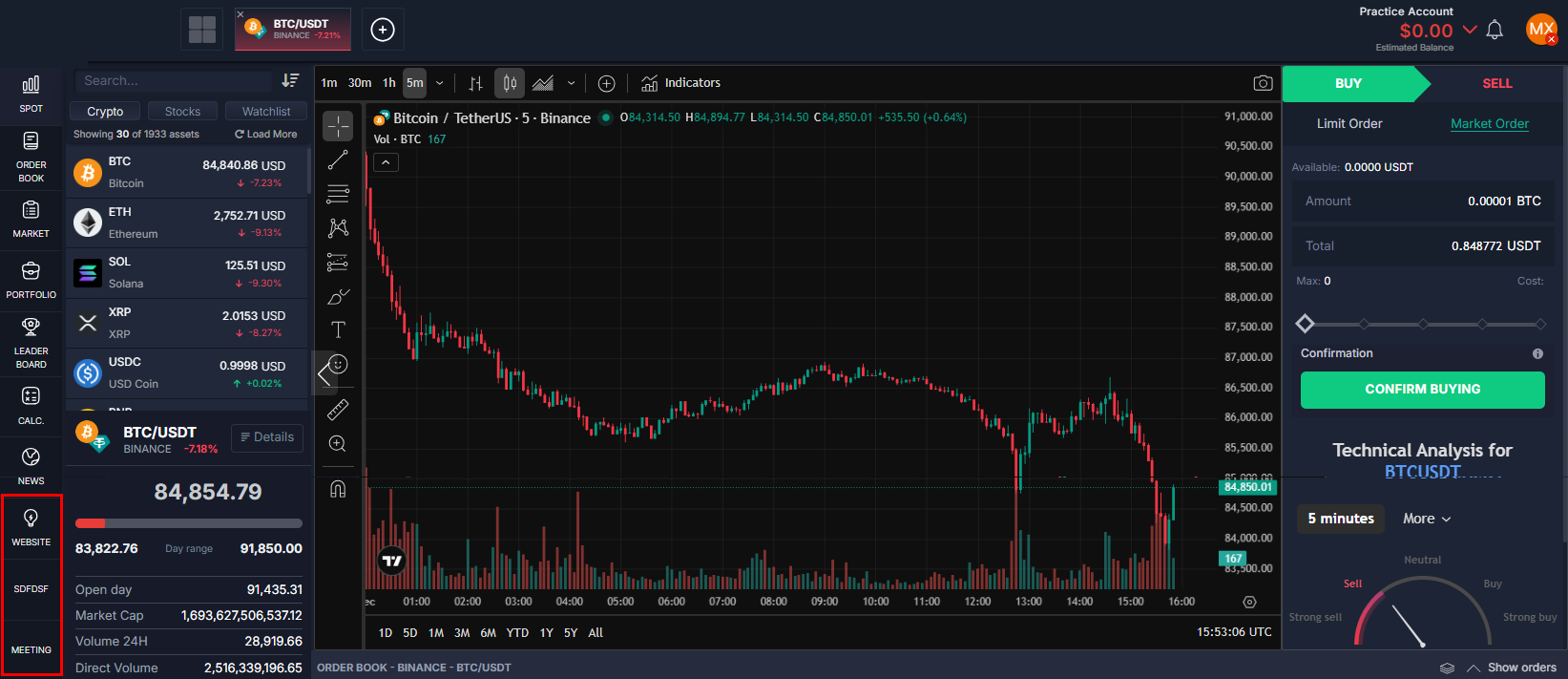
How to Add Pages on the Platfrom?
ON THE CRM
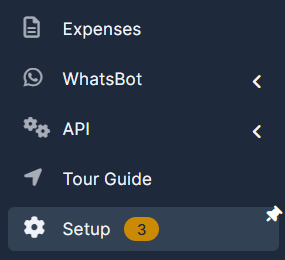
1. Go the the "Setup" on the menu from the left side of the page.
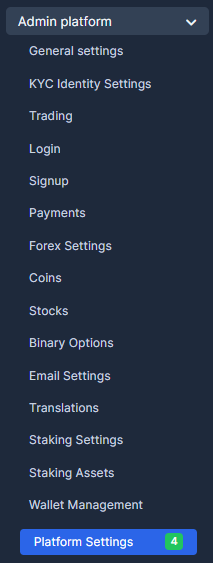
2. Go the the "Admin Platform" and chose "Platform Settings".
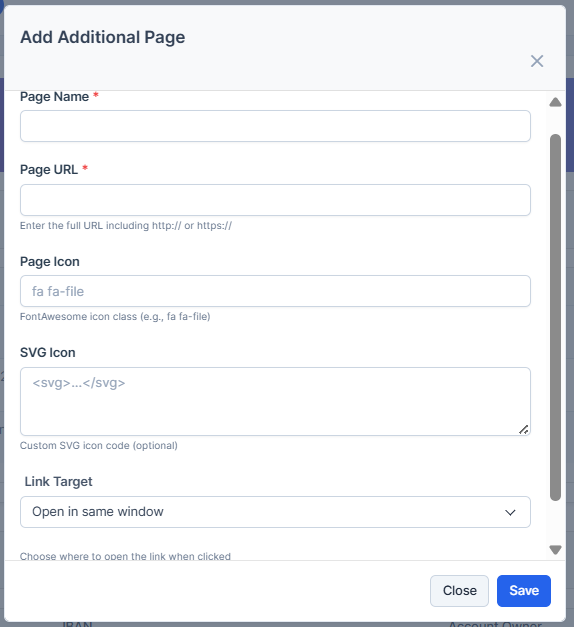
3. Press on "Add Additional Page".
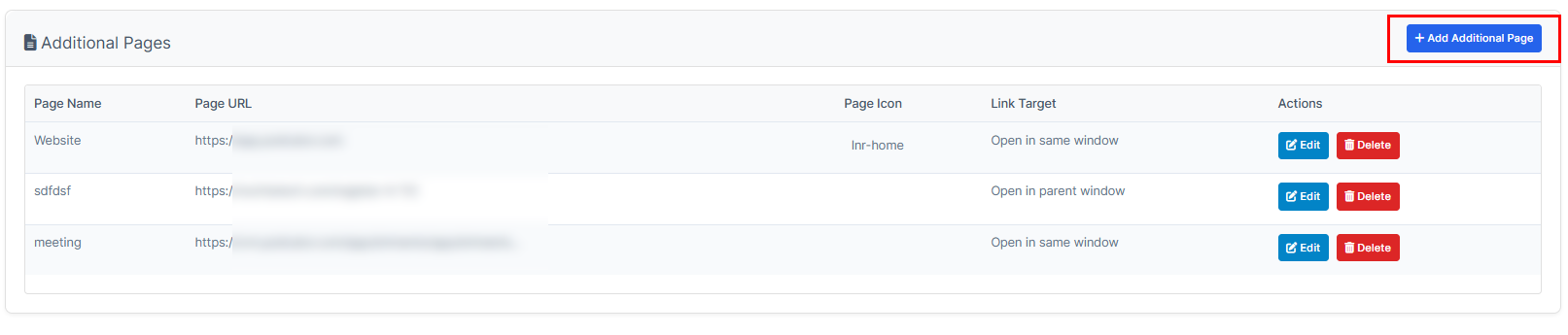
4. Fill in the information. Mind that "Open in the same window" paramenter may not work for some sites as the site itself doesn't allow it to be featured in the inside of the window. Choose "Open in the new window" instead. Fill in the fields and press on "Save". Once done, you will be able to view the bank in the list.
You can check the new page by going to the platfrom.