How to Cancel Autofill?
in Chrome
You may have encountered an issue where, instead of an empty field, your browser prompted you for your admin credentials. This could have happened when you tried to change the password of the client on the trader profile settings, in the search bar, etc. This autofill feature is provided by the browser and can be disabled.
Note! This setting will disable the autofill for all the Chrome, not jsut crm! These are also personal settings. Enabling or disabling them on your device will not ensure synchronisation with other staff members' devices.
1. Press on this link to access Chrome settings: chrome://password-manager/settings

2. Get to "Settings".
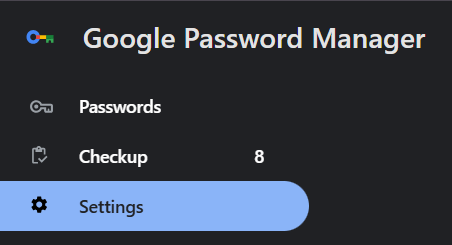
2. Disable "Offer passwords and passkeys" function.
