How to Change Company Name in the CRM?
IN THE CRM
1. Go to "Setup".
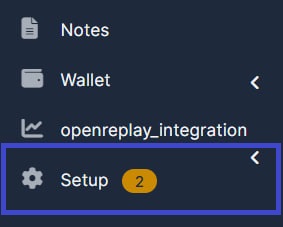
2. Go the the "Settings" on the menu from the left side of the page.

3. Insert your brand name to the "Company Name" and your domain link to the "Company Main Domain".

4. Once uploading is done, press on "Save Settings".