How to Change Language in the CRM?
ON THE CRM
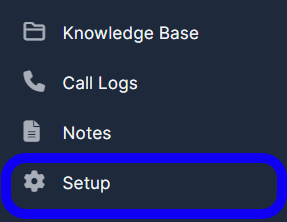
1. Go to "Setup" in the left menu.
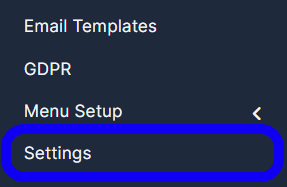
2. Find the "Settings" tab and click it.
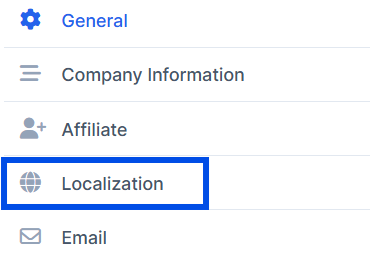
3. In the left column, select the "Localization" category.
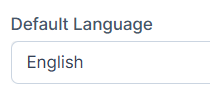
4. Change the language in the "Default Language" dropdown field.
5. Press the "Save Settings" button at the bottom to apply your changes.