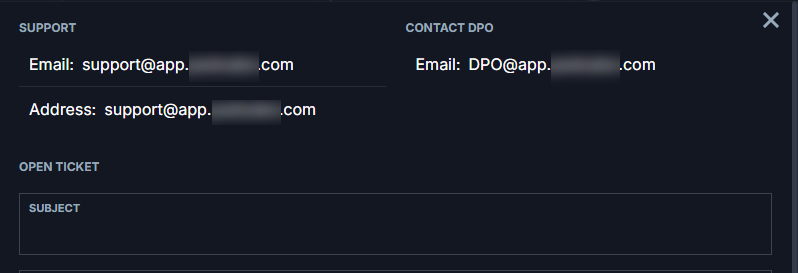
How to Change Numbers on the Platform in Contact Us(DPO)?
ON THE CRM
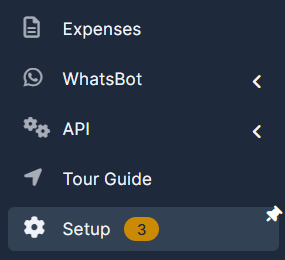
1. Go the the "Setup" on the menu from the left side of the page.
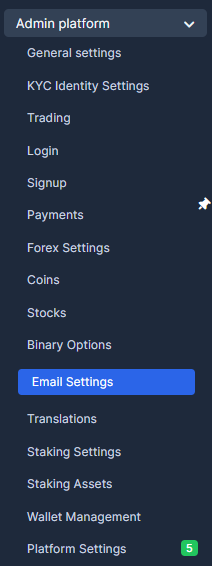
2. Go to "Admin Platform" and choose "Email Settings".
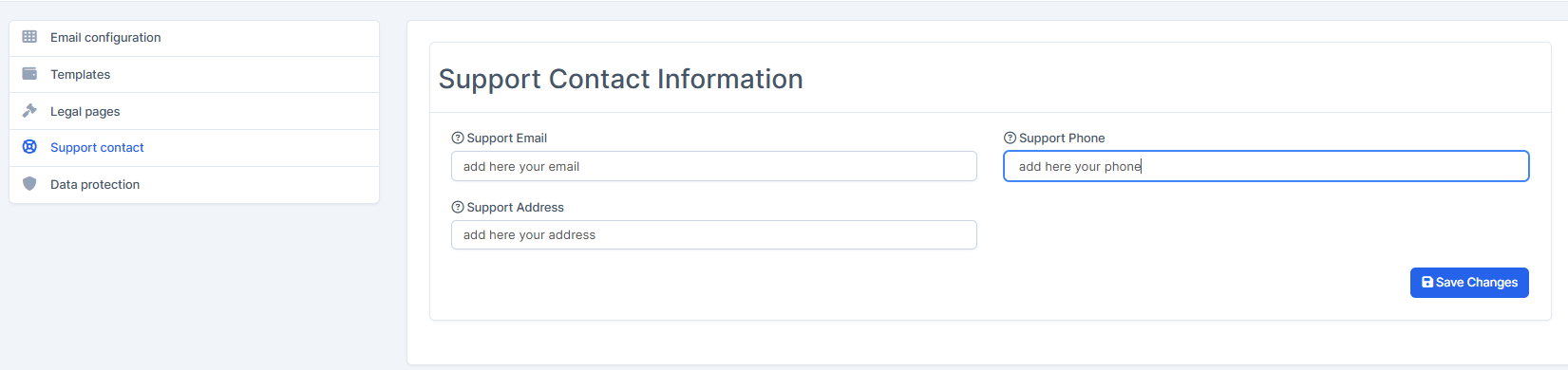
3. Choose "Support Contact", fill in the required fields and press on "Save Settings".
You can find the final result this way
ON THE PLATFORM
1. Go to the platform and press on the account type. Choose "Contact Us".
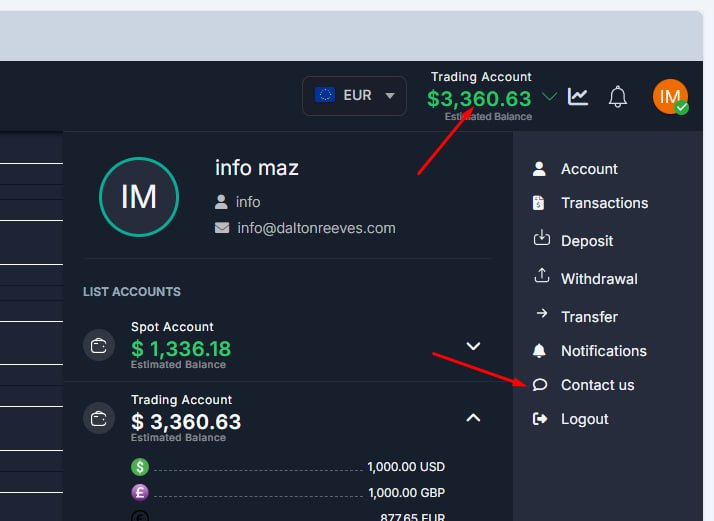
2. Go to the platform and press on the account type. Choose "Contact Us".