How to Change the Errors in the Language on the Platfrom?
ON THE CRM
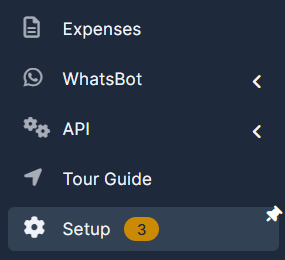
1. Go the the "Setup" on the menu from the left side of the page.
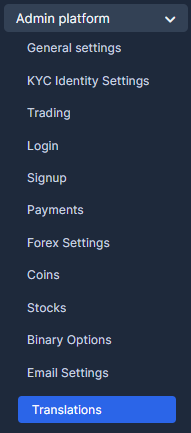
2. Go the the "Admin Platform" and chose "Translations".
3. Choose the language and press on edit.

4. Find the key/word which has to be changed. Populate the field with the proper translation.

5. Press on "Save Translations" once done.