How to Change the Look of the Login Page on the Platform?
IN THE CRM
1. Go to "Setup" in the settings panel on the left side of the CRM.

2. Scroll down the page to find "Settings".

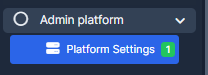
3. Select "Admin Platform" and choose "Platform Settings".
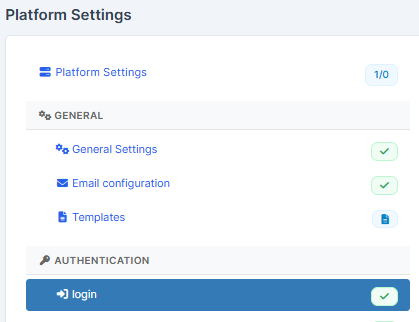
4. Go to the "Login" page.
5. Select a suitable for you template on the "Login Page Appearance".
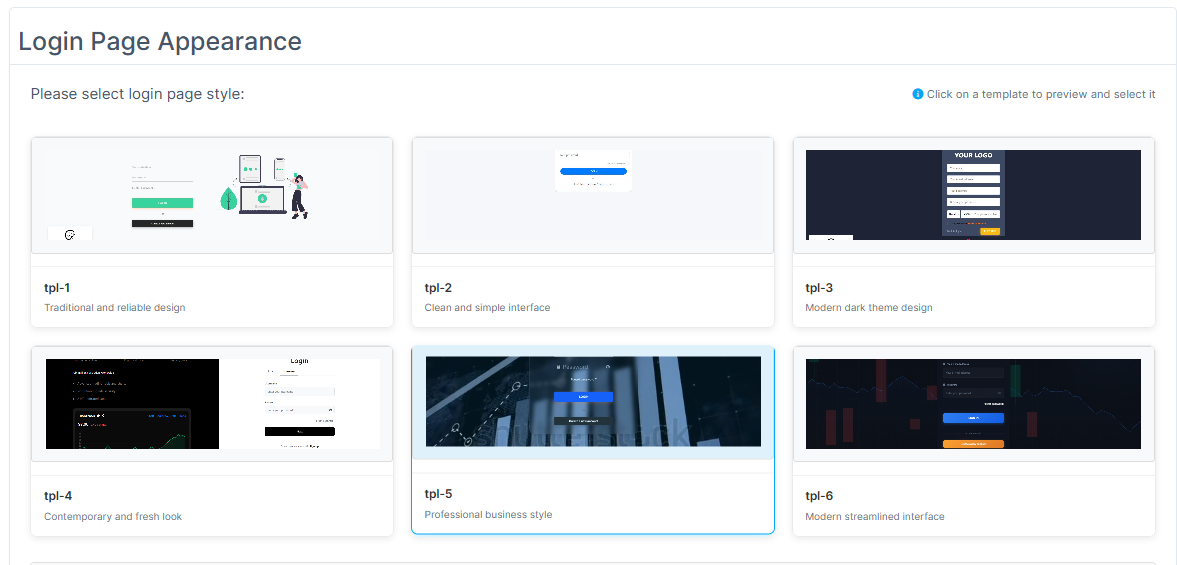
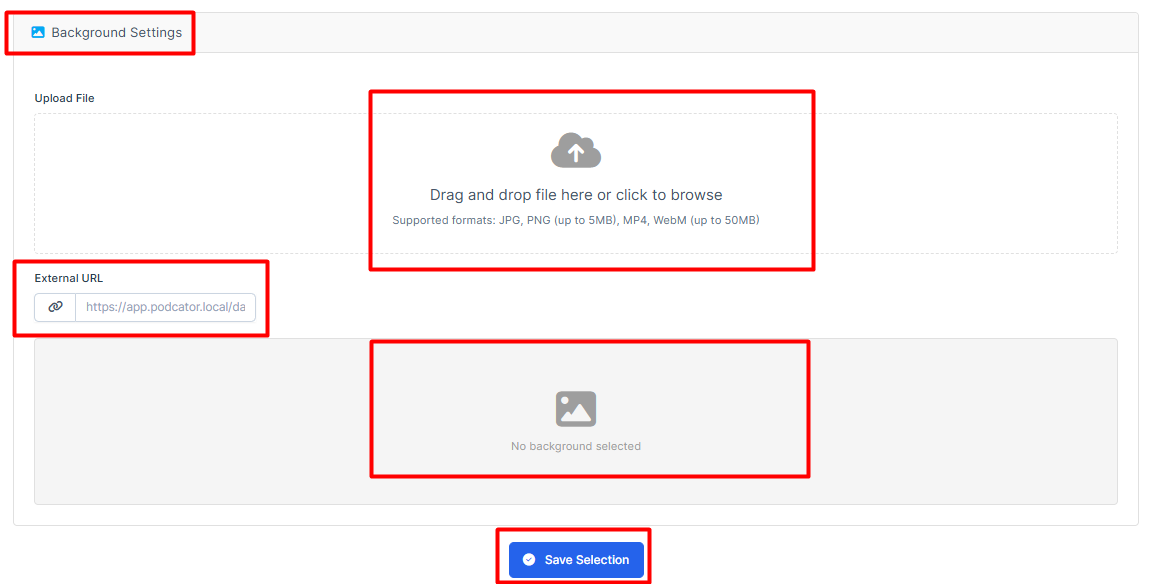
in the Template #5
You are also able to set up next features:
6. Scroll down and press on "Save Settings" to remember the choice.