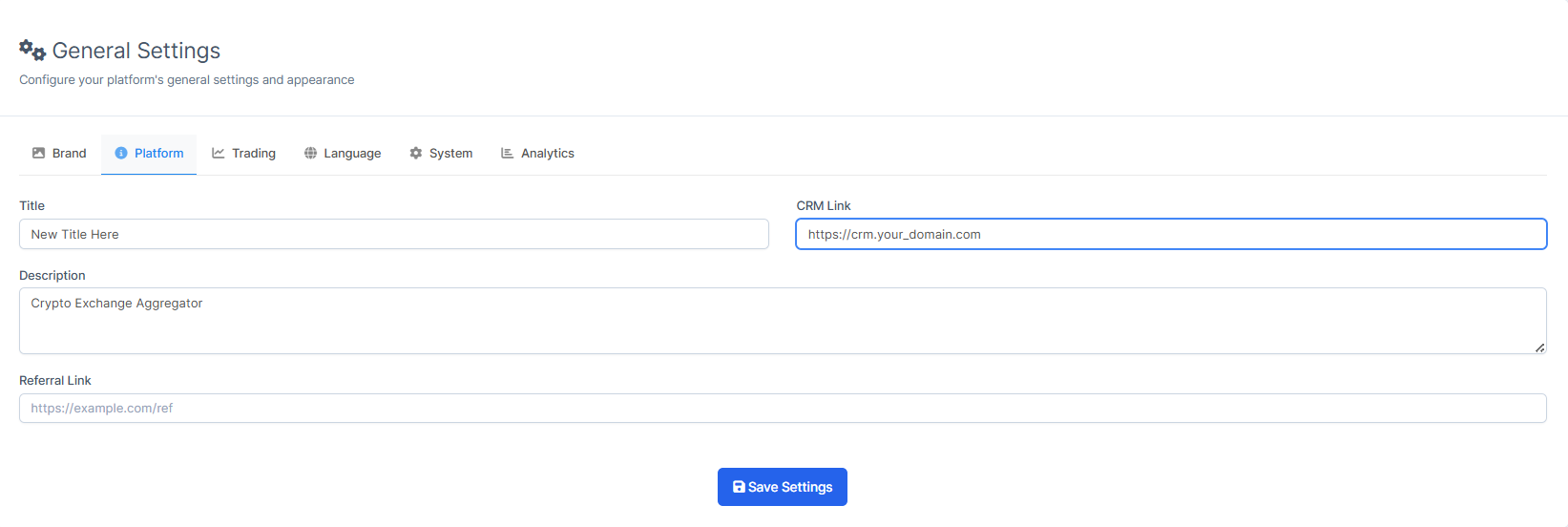
How to Change the Platform Title?
ON THE CRM
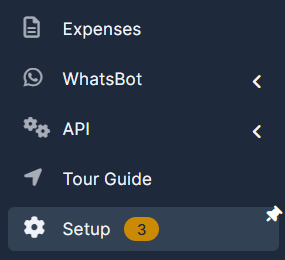
1. Go the the "Setup" on the menu from the left side of the page.
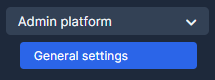
2. Go the the "Admin Platform" and choose "General Settings".
3. Choose "Platform" and insert the new title. Press on "Save Settings" to save the settings.