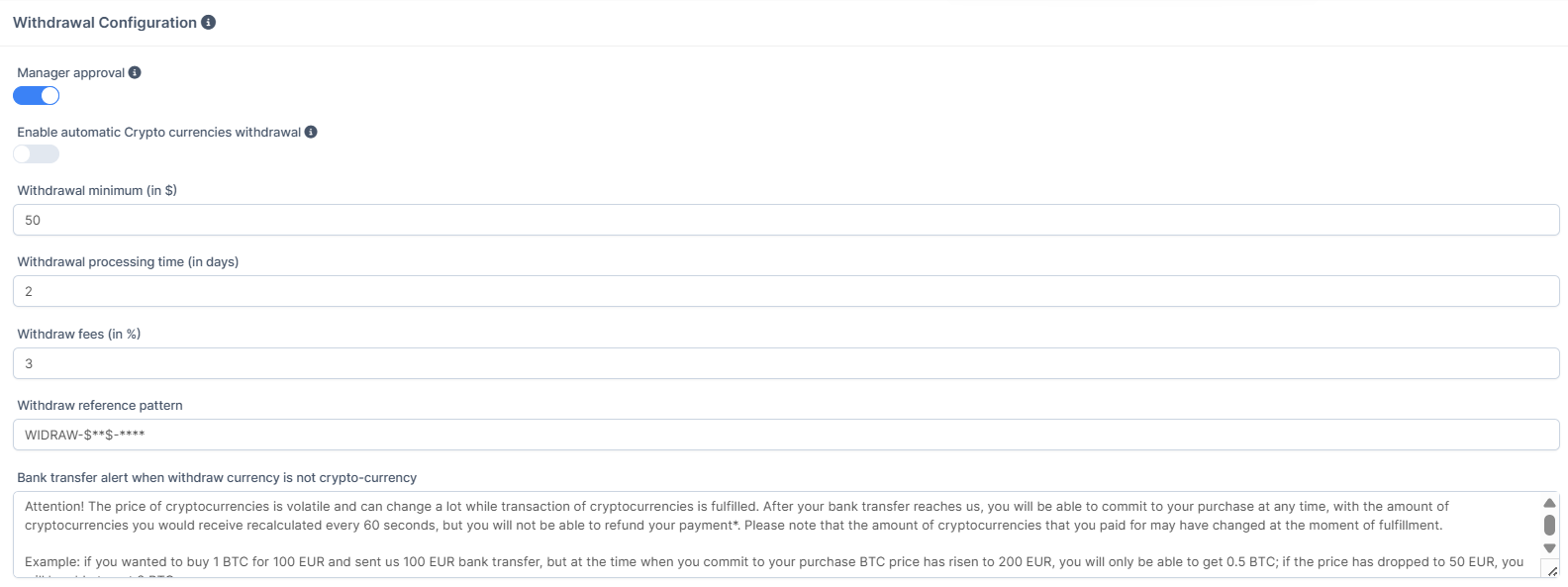
How to Change the Withdrawal Fee?
IN THE CRM
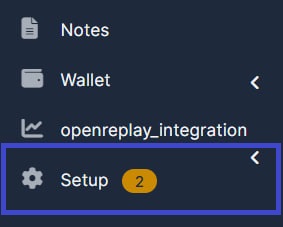
1. Go to the "Setup" tab.
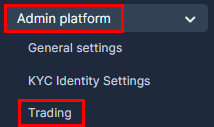
2. Go to the "Admin Platform" and choose "Trading".
3. Choose the "Withdrawals Platform".
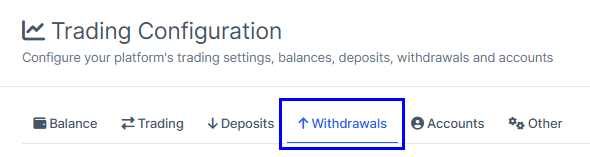
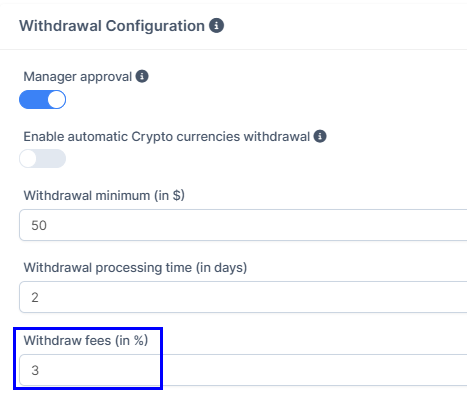
4. Choose the "Withdraw Fees".
5. Scroll down the page and find the "Save Changes" settings.
Additionally
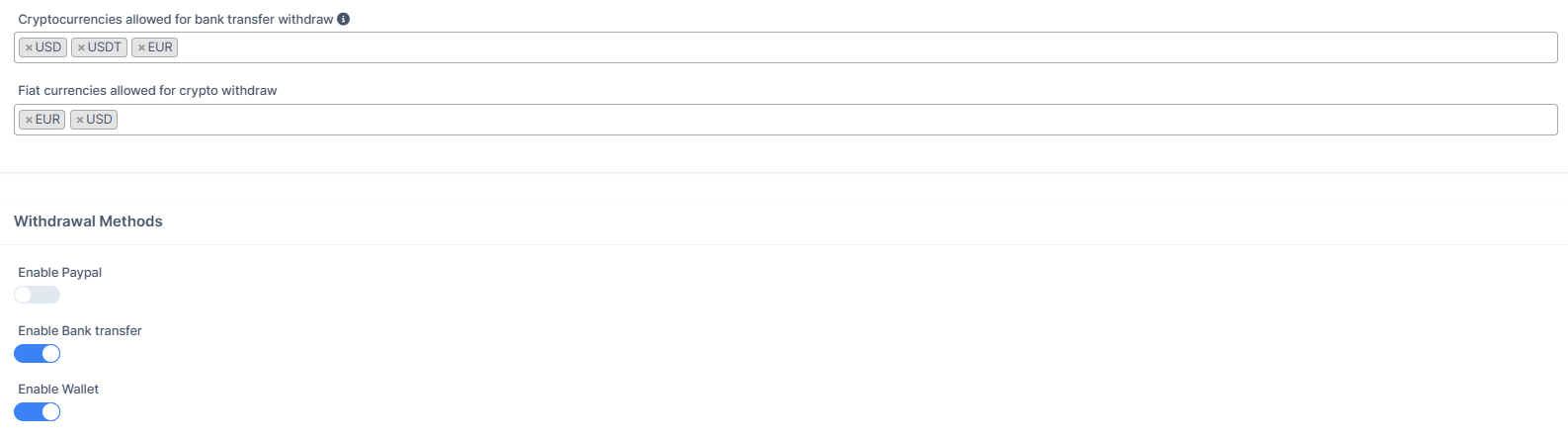
On this page you would be able to access other withdrawal settings.