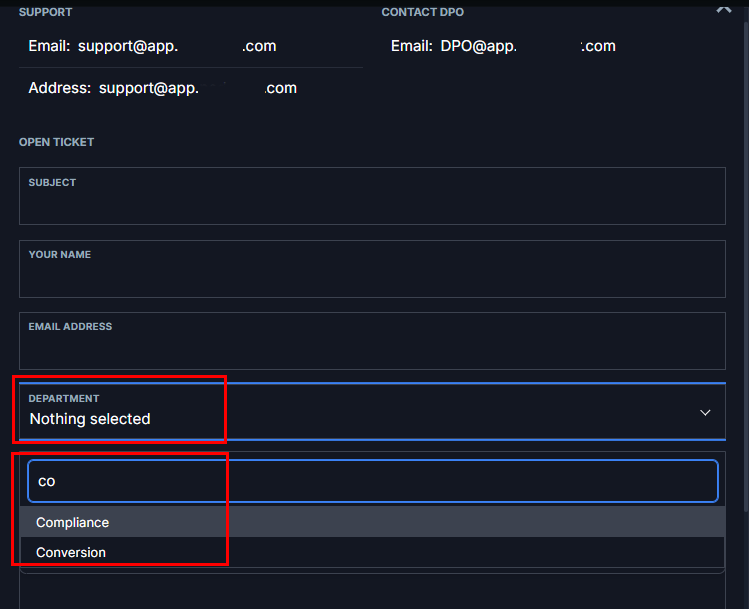
How to Check if the Department is Hidden from the Client?

IN THE CRM
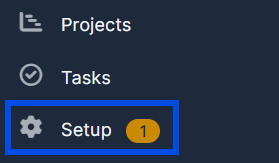
1. Go to "Setup" at the bottom right part of the settings panel.
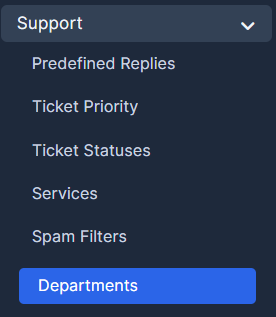
2. Press on the "Support" and choose "Departments".
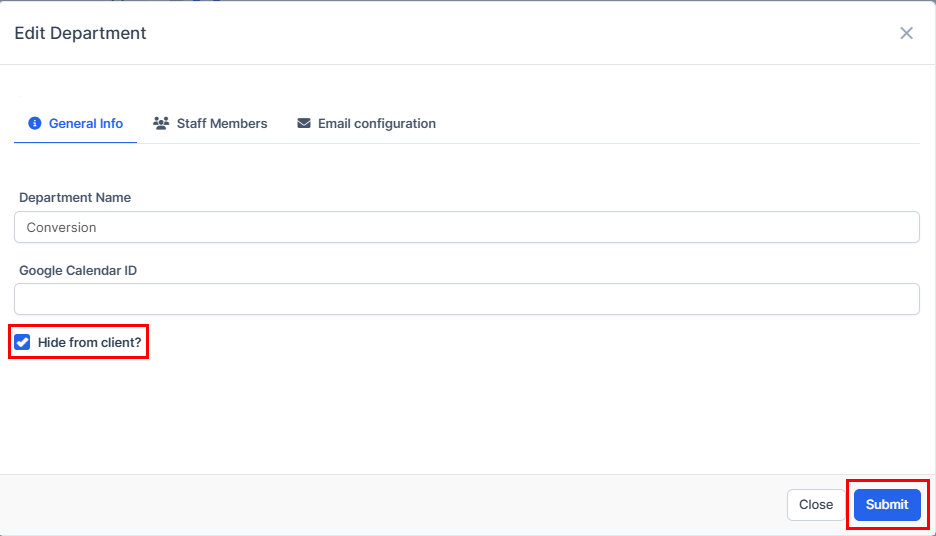
3. Press on the name of the department or on the editing option.
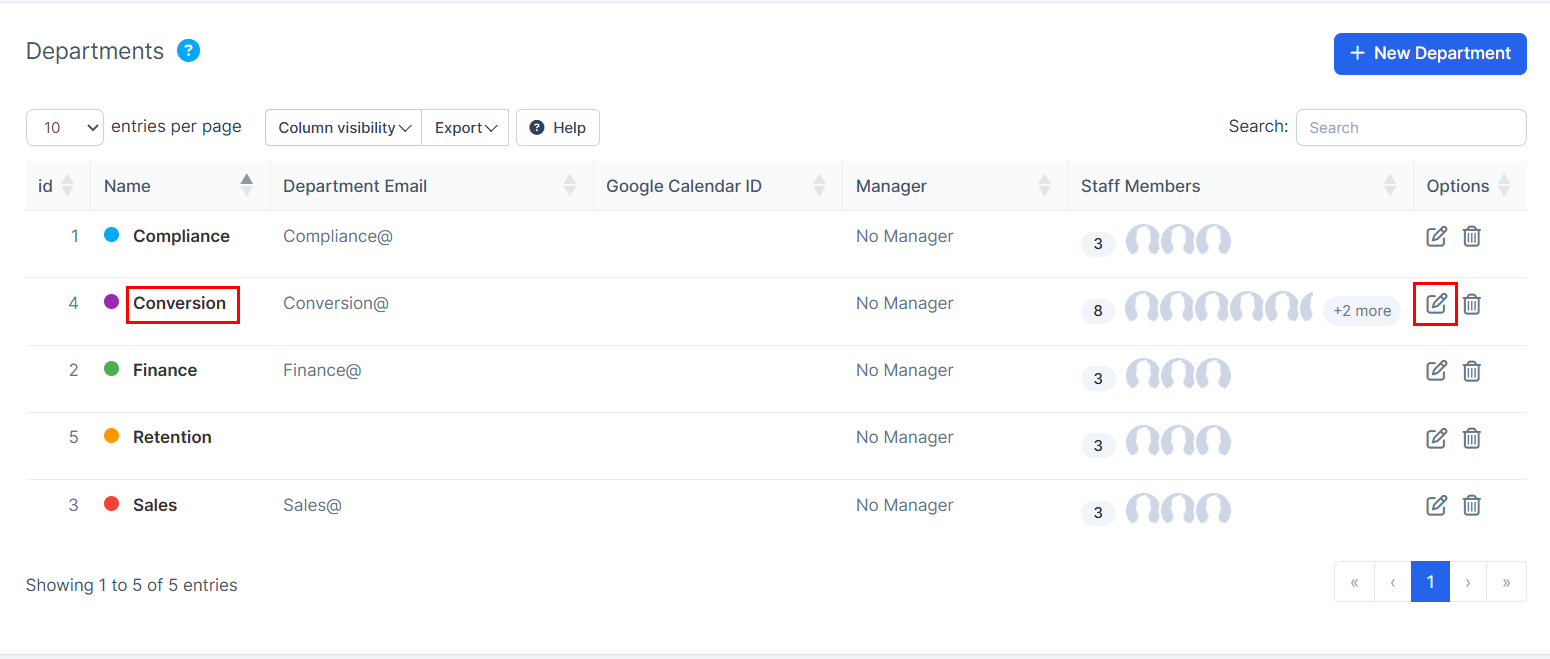
4. Press on the "Hide from client" and press on "Submit" to remember your choice.
5. Enter your "Platform" and press on "Contact us".
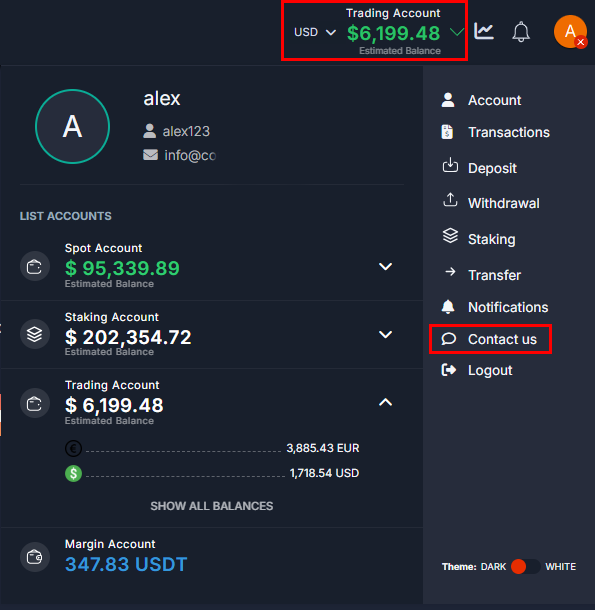
6. You will be able to view and choose the department here.