IN THE CRM
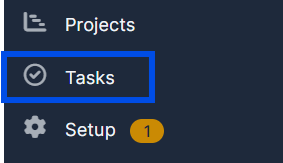
1. Navigate to "Tasks" in the left menu.
2. Click on "New Task" at the top-left of the page.
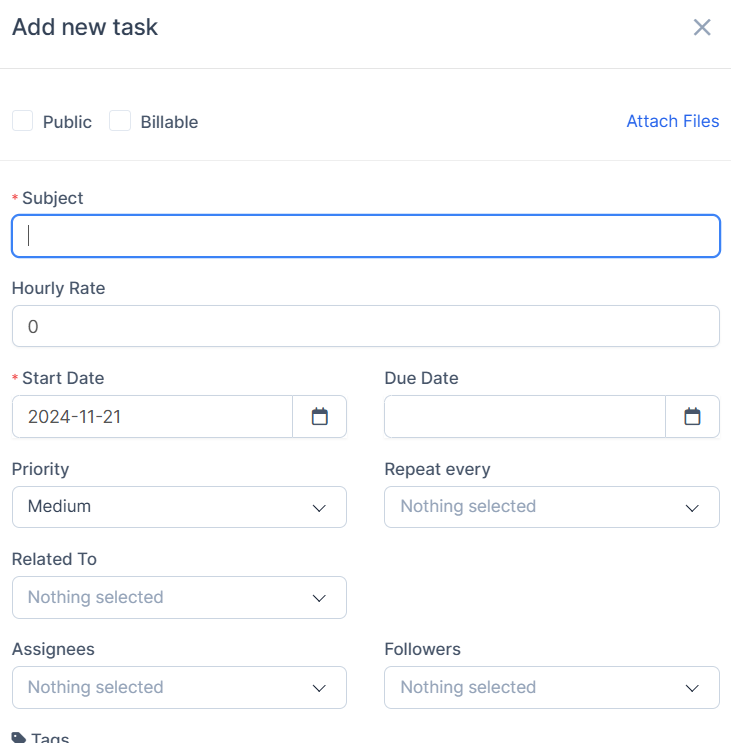
3. Fill in the required information in the fields. Mandatory fields are marked with an asterisk (*).
4. Click "Save" at the bottom-right of the page to create the task.
