How to Disable Leads Duplication?
ON THE CRM
1. Go the the "Setup" on the menu from the left side of the page.
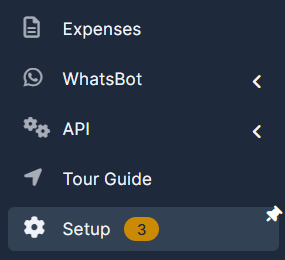
2. Go the the "Settings" on the menu from the left side of the page.

3. Choose "Leads".
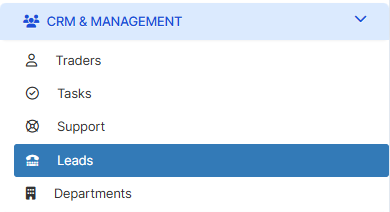
4. Choose "Perform validation for duplicate lead on the following fields" and choose the field you need. You are able to also choose Phone, Website or Company to forbid them from Duplication.

5. Press on "Save Settings" to remember your choice.