IN THE CRM
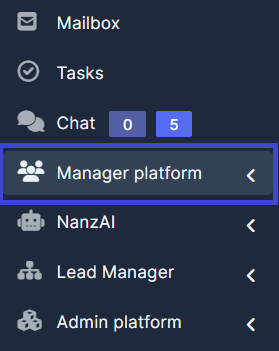
1. Go to "Manager platform".
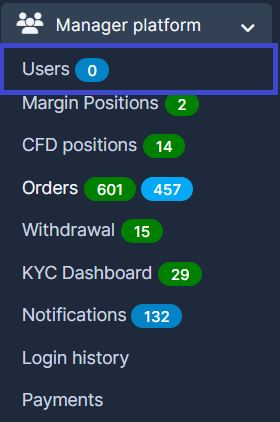
2. Go to "Users".
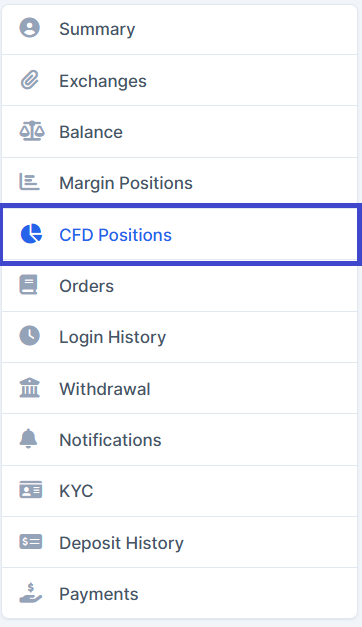
3. Select a user/trader from the list. Go to "CFD Positions"
4. Find the button "Upload CFD Positions" at the top right and click on it.
5. Upload a file in .xlsx, .xls, .csv format. Then сlick on the button "Continue"