How to Download Trader's History?
IN THE CRM
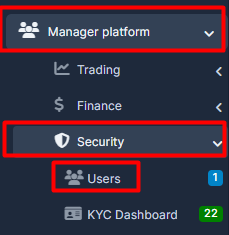
1. Go to "Manager Platform"-> "Security"-> "Users"
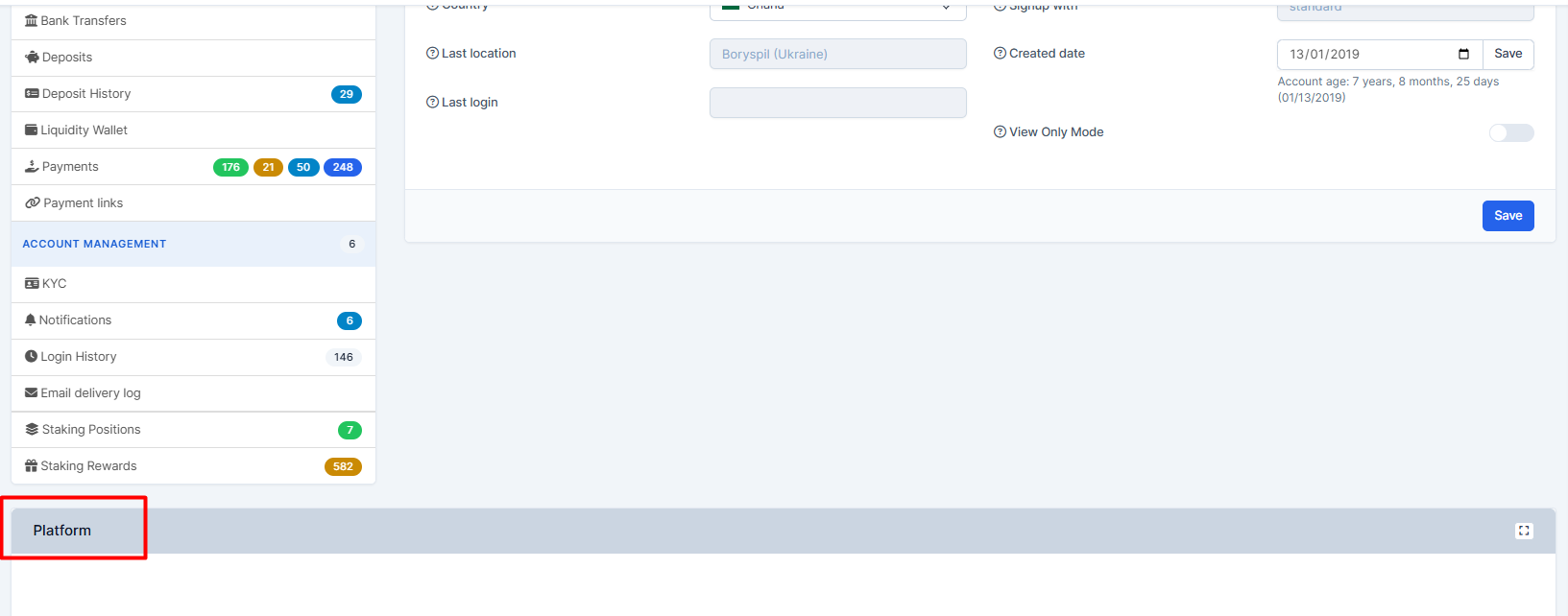
2. Choose the user. Scroll down the page and press on "Platform"
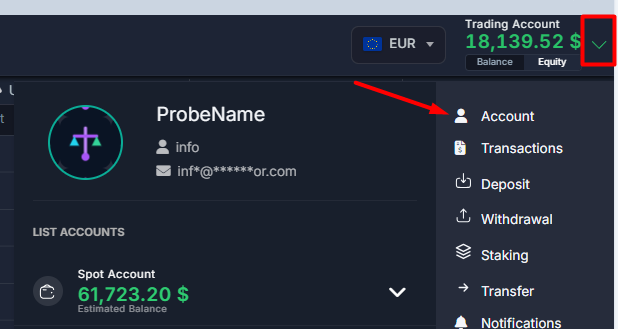
3. Go to the user's profile by pressing on the arrow, choose "Account"
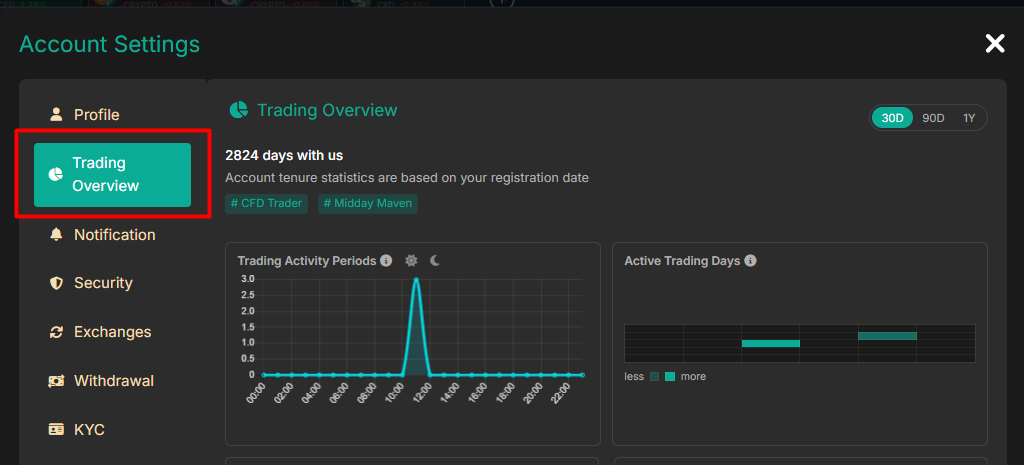
4. Press on the "Trading Overview"
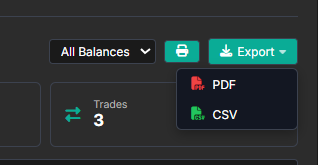
5. Scroll down and press on "Export"