How to edit CFD positions?
IN THE CRM
Way I
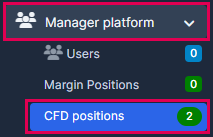
1. Go to "Manager Platform" and choose "CFD positions" tab.
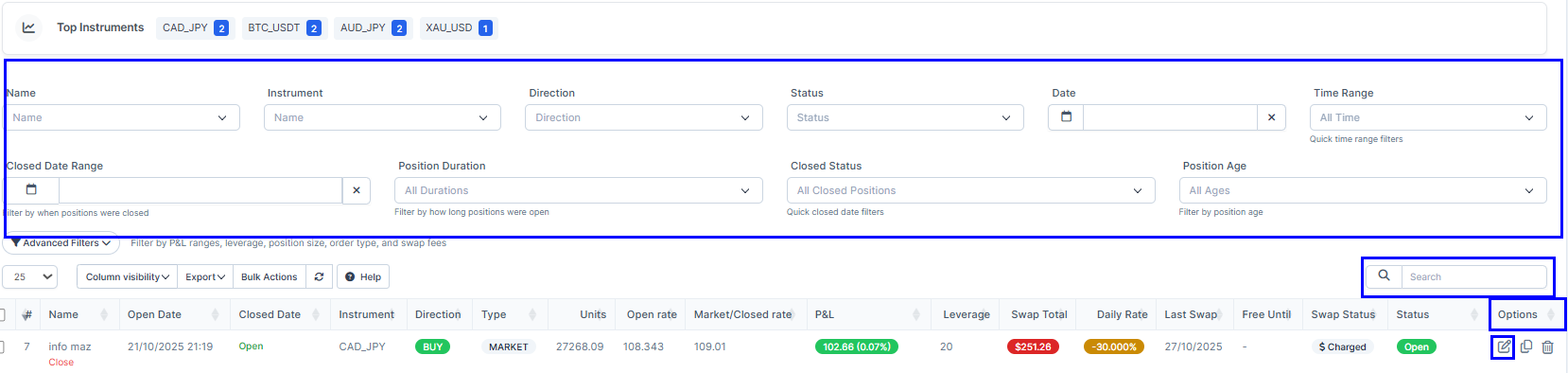
2. Use "Filtering" to find your position, "Search" or find the order in the list. Find "Options" and press on "Edit".
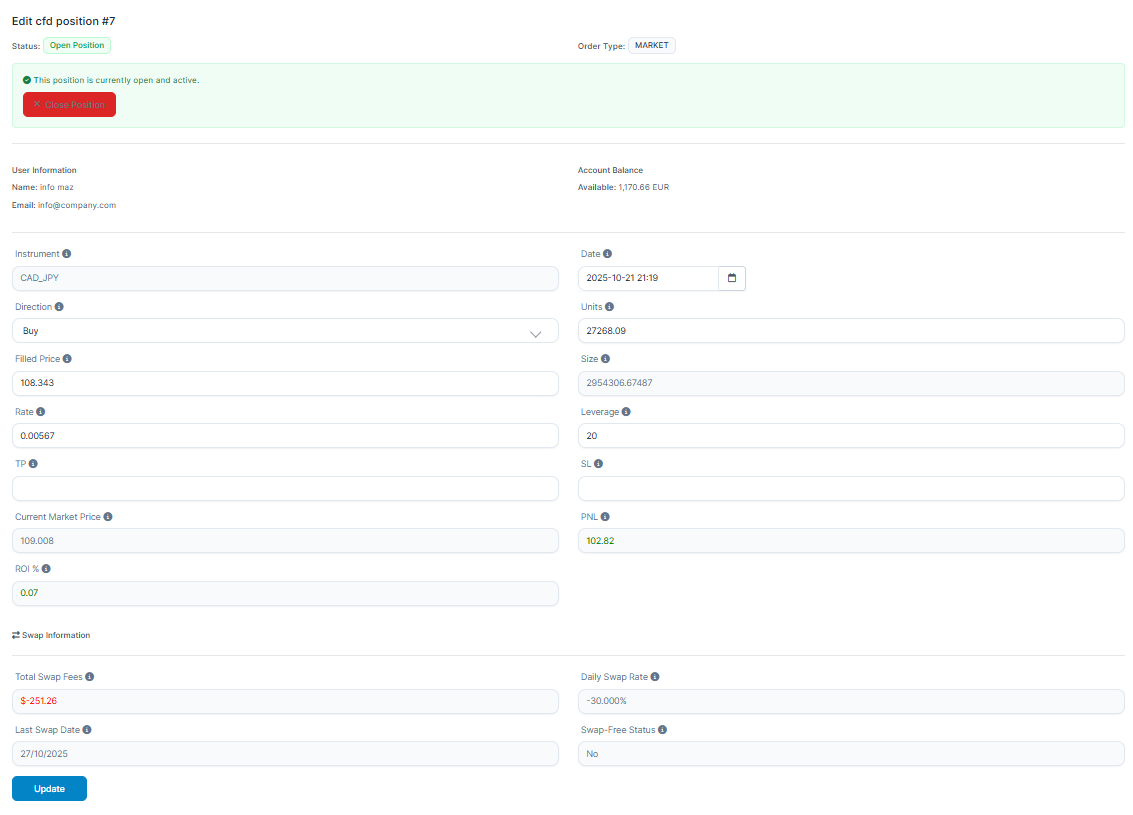
3. You will be able to edit the position, using any option you need.
4. Once done, press on "Update".
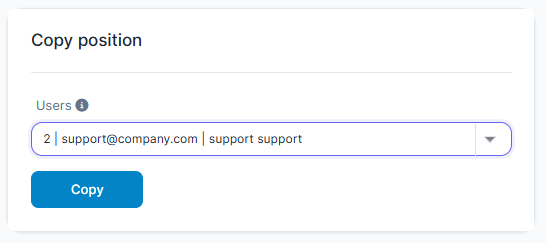
5. In the case you also need to copy the order, choose a "User" from the list and press on the "Copy" to copy this order for another user.
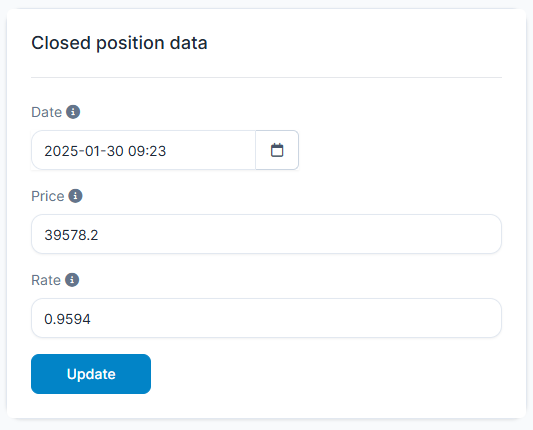
6. If the position is closed, you can change the information in this table up to your request.
Way II
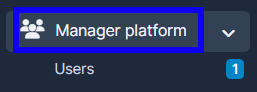
1. Go to "Manager Platform".
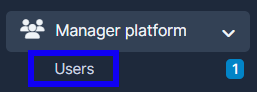
2. Choose the "Users" tab.
3. Press on "View" in the user's name.

4. Press on "CFD positions" in the user's menu.
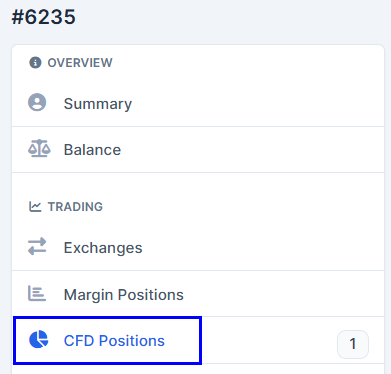
5. Find the order which has to be edited.

6. Scroll to the side to the "Options" and press on "Edit".
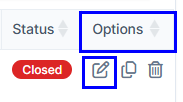
7. You will be able to edit the position, using any option you need.
8. Once done, press on "Update".
9. In the case you also need to copy the order, choose a "User" from the list and press on the "Copy" to copy this order for another user.
10. If the position is closed, you can change the information in this table up to your request.