How to Enable Balances Modification for the Agent?
ON THE CRM
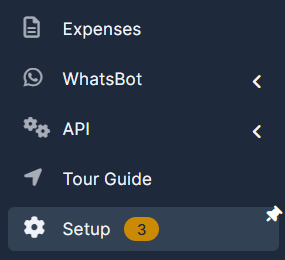
1. Go the the "Setup" on the menu from the left side of the page.
2. Go the the "Staff".

3. Press on the name of the staff member.

4. Choose "Permissions".

5. For the functions to work properly, make sure those items are included:
- The client has to be assigned to the agent.
- If the client doesn't have a trading account (is not converted to traders) you won't be able to access their platform page.
- Make sure the lead, trader and the trading account email of the client are identical.
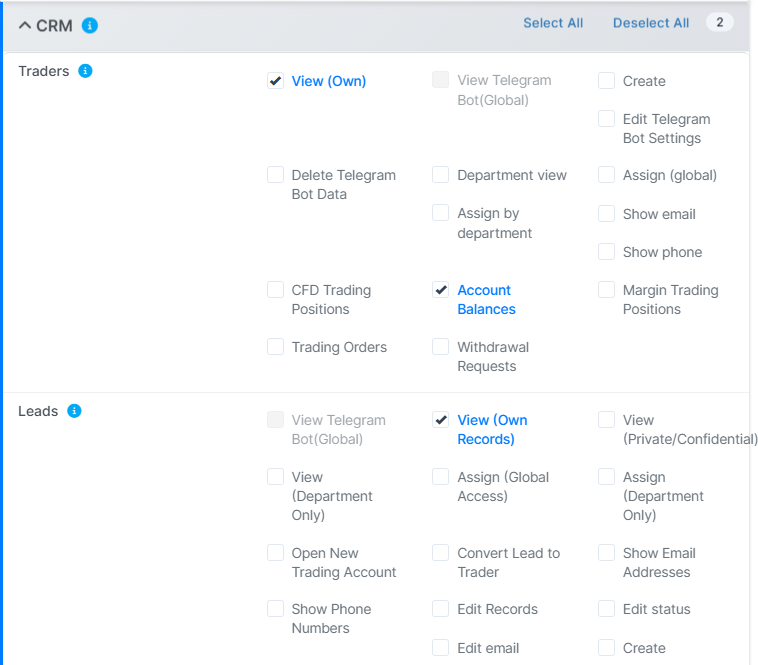
- Make sure the permissions below are enabled.
6. Once done, press on "Save".