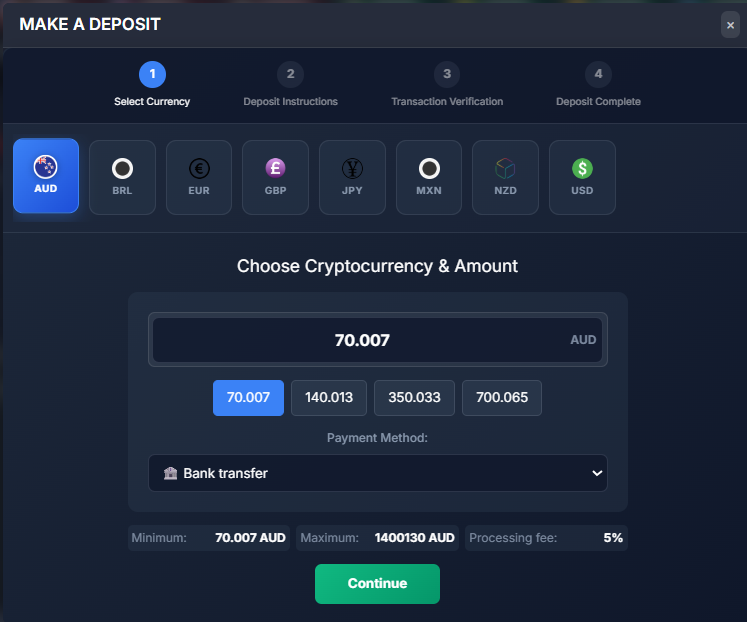
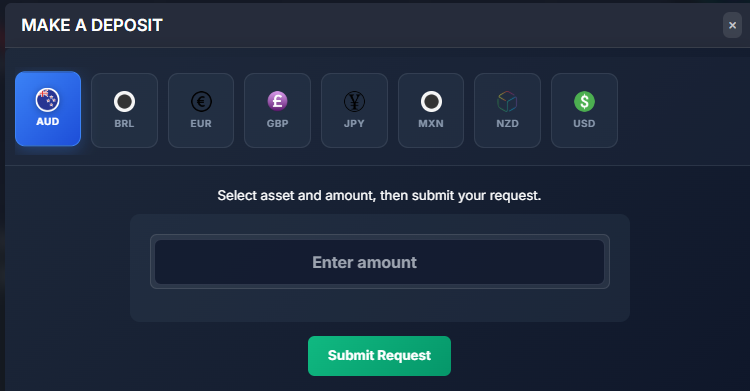
How to Enable Different Template of the Deposit?
IN THE CRM
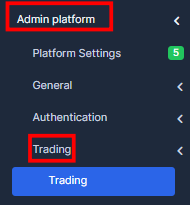
1. Go to the "Setup".

2. Find "Admin Platform", go to the "Trading" section and choose "Trading".
3. Choose "Deposits".
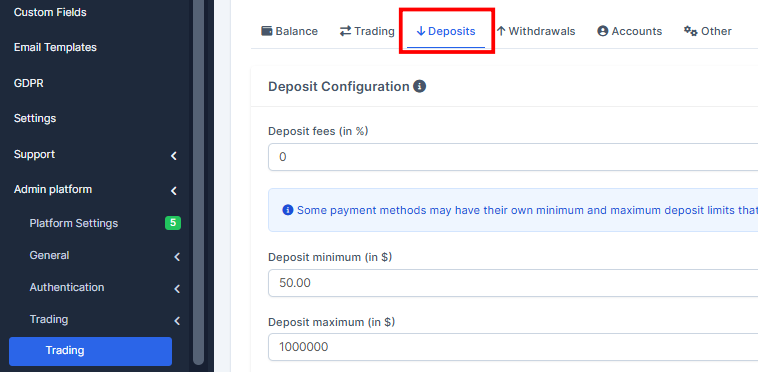
4. Enable "Enable deposit request mode" button.

5. Press on "Save Changes" to remember the choice.

As a result the deposit template will change.