How to Enable DikeShield/Finteca?
ON THE CRM
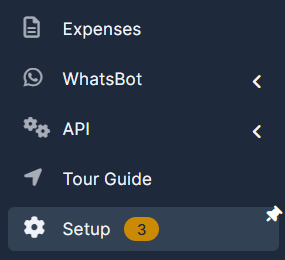
1. Go the the "Setup" on the menu from the left side of the page.
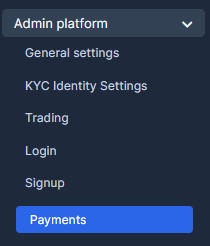
2. Go the the "Admin Platform" and chose "Payments".
3. Go the the "Admin Platform" and chose "Payments". Insert the API Key and enable it.
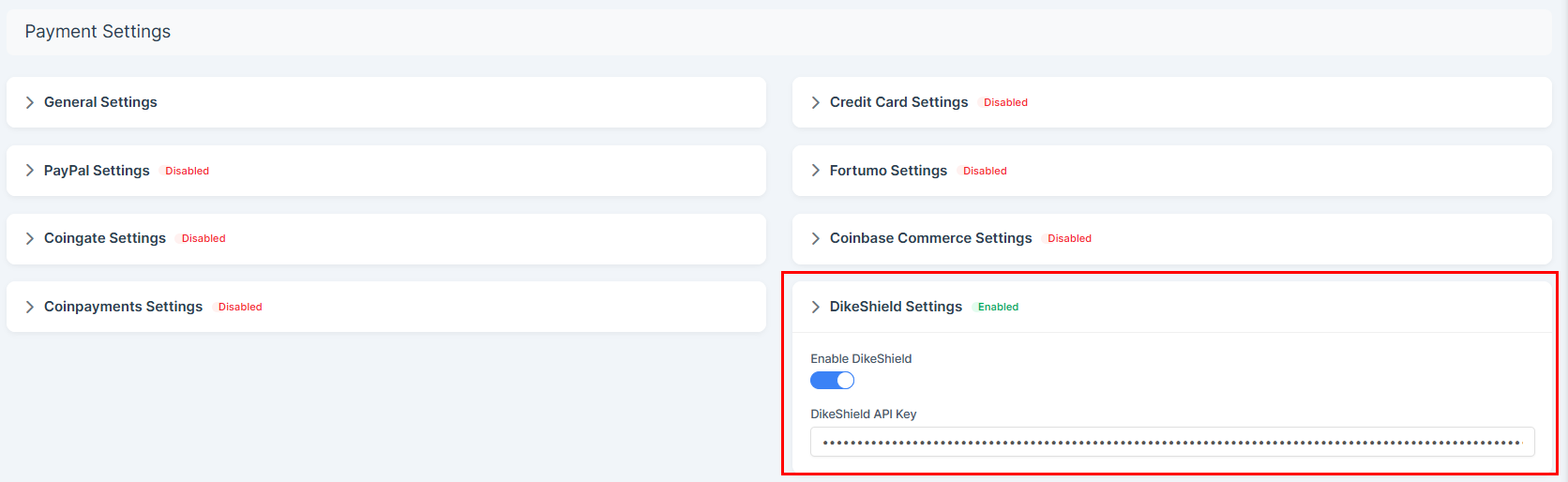
4. Press on "Save Settings" to remember the choice.

5. Copy the IP an Domain. Send this information to Finteca for the whitelisting.
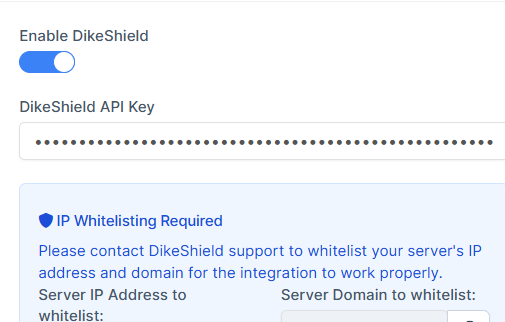
OR
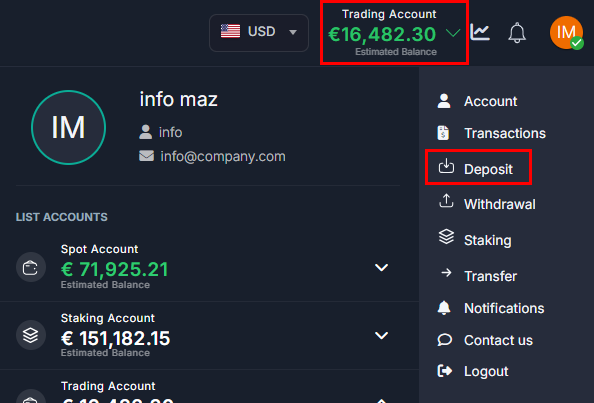
5. Go to the account and press on "Deposit".
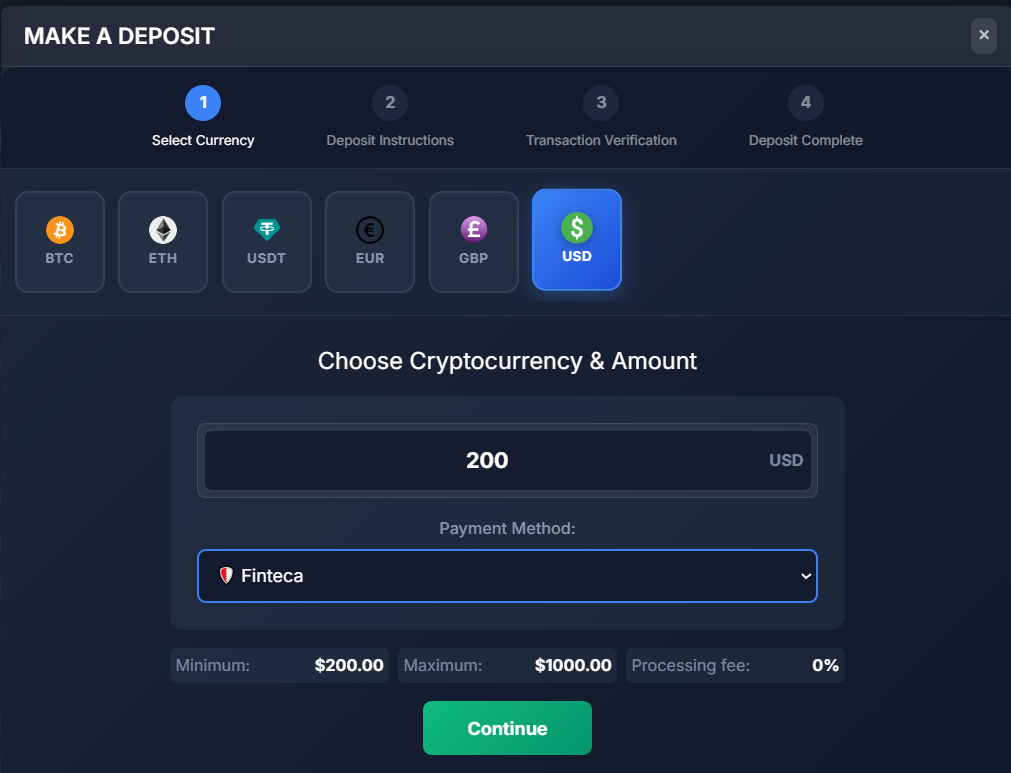
6. Choose "USD", choose "Finteca" and press on "Continue".
7. You will be redirected to this page. Copy the IP address.
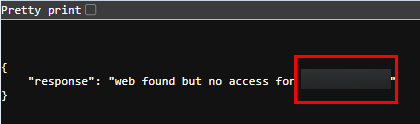
8. Send the IP address and the address of your CRM to KievTran.Finteca/Dikeshield. Once whitelisted and set on their side, you will be able to use it.