How to Enable/Disable Client's Account?
ON THE CRM
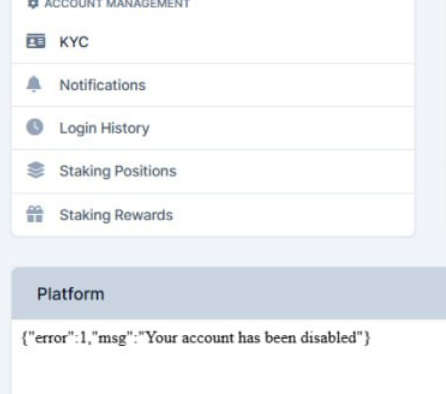
If you see this notification, please make sure to follow next actions.
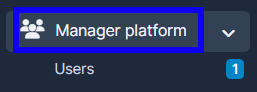
1. Go to "Manager Platform" in the menu on the left side of the page.
2. Choose the "Users" tab.
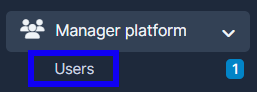
3. Press on "View" in the user's name.

4. Go to "Summary", press on "Settings" and change the "User Status" by enabling/disabling it.
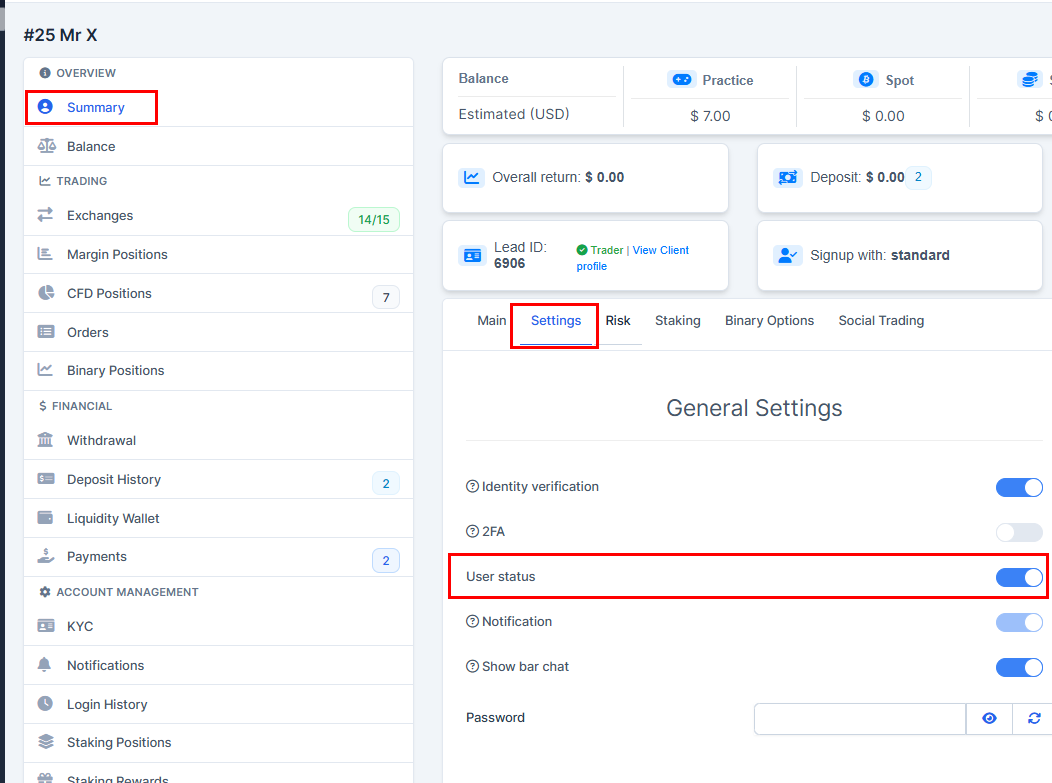
5. Press on "Submit" to remember the choice.
