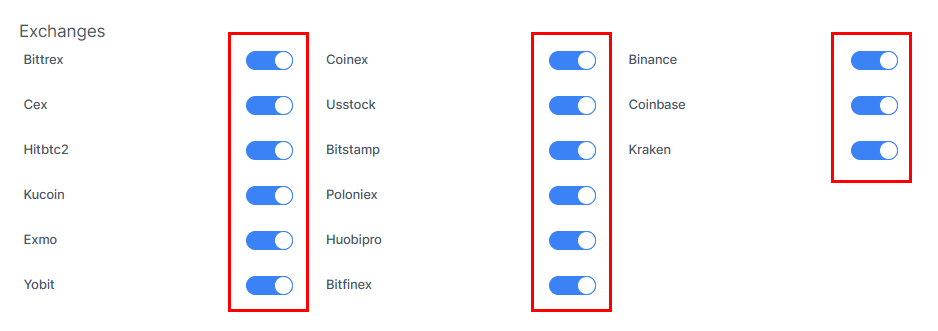
How To Enable/Disable Exchanges On The Trading Account?
IN THE CRM
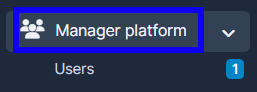
1. Go to "Manager Platform" on the crm in the menu on the left side of the page to log in to the user's platorm.
2. Choose the "Users" tab.
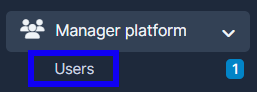
3. Press on "View" in the user's name.

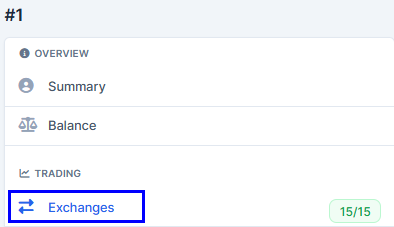
4. Press on "Exchanages".
5. Use the toggle bars to disable/enable exchanges.