How to Enable/Disable Leverage?
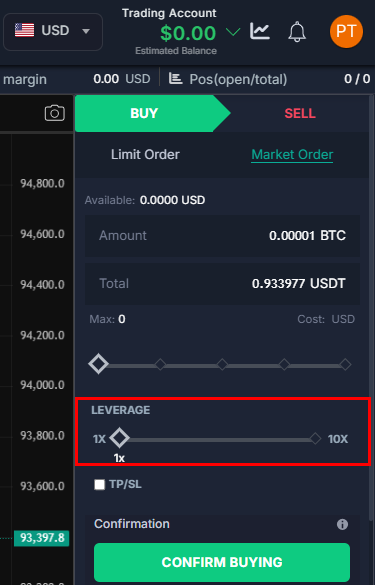

IN THE CRM
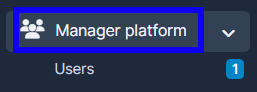
1. Go to "Manager Platform" in the crm in the menu on the left side of the page.
2. Choose the "Users" tab.
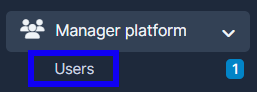
3. Press on "View" in the user's name.

4. Choose "Summary", go to"Risk" and populate the fields "Max Leverage" and "Default Leverage" (marked with red).
OR
Choose another Trading Preset (marked with blue)
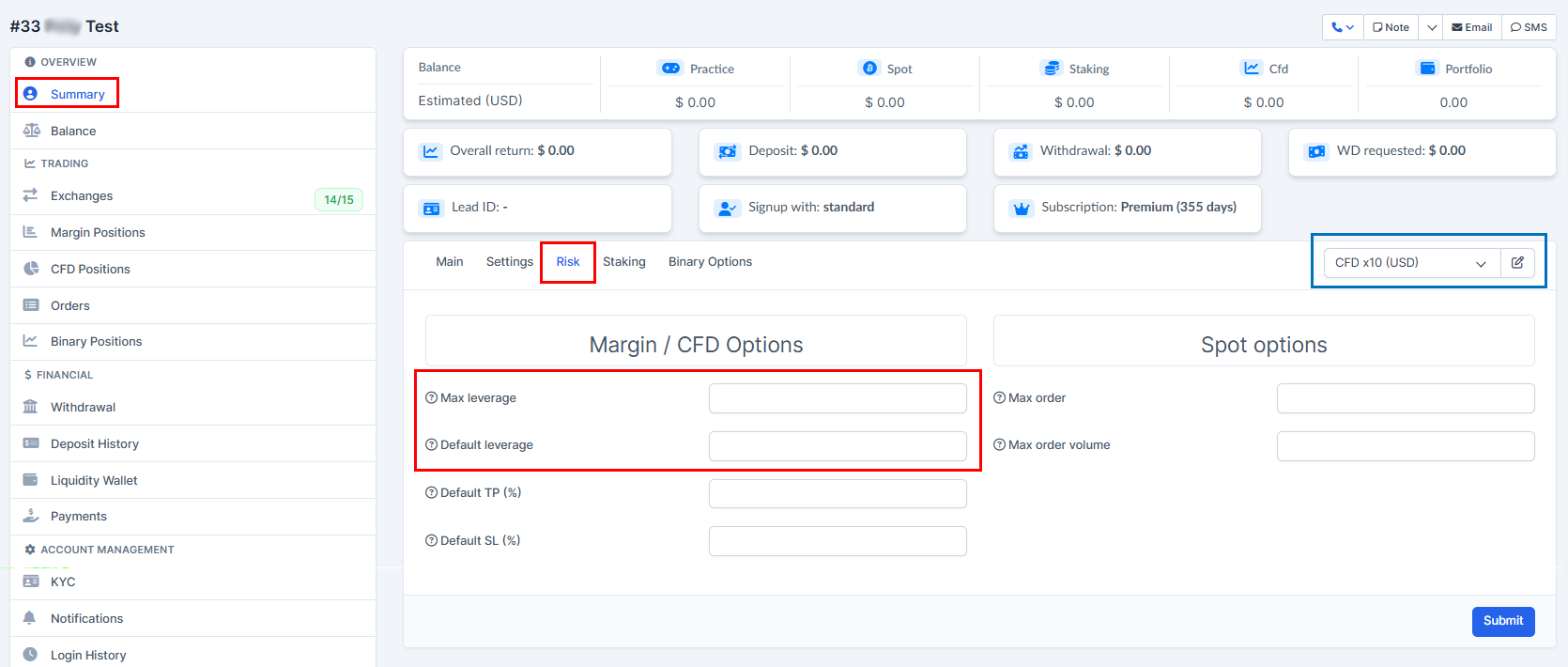
5. Press on "Submit" to remember the choice.
