How to Enable the Live Chat for the Client?
IN THE CRM
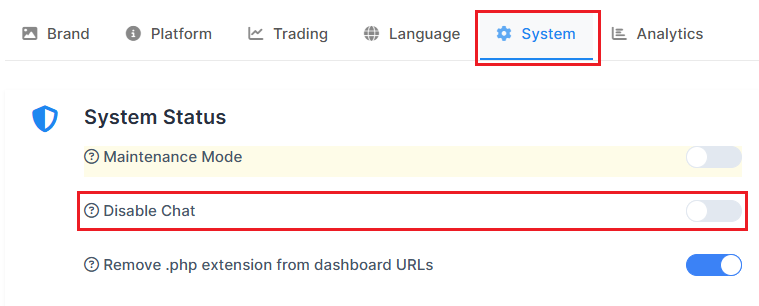
Step 1. Go to "Setup" in the crm in the menu on the left side of the page.

Step 2. If you want the new users the chat on by default, make sure the "Disable Chat" toggle is off.
How to Set the Setting per Client?
Way I
Regardless of whether the permission is enabled or disabled in the general settings, it is possible to enable or disable chat on the trader platform settings. This user's setting takes priority over the general settings.
Make sure the client is converted to Trader.
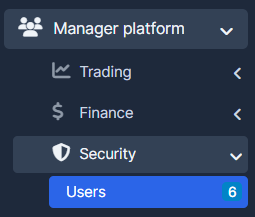
Step 1. Go to "Manager Platform" tab, choose "Security" and select "Users".
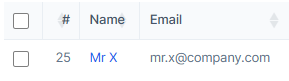
Step 2. Press on the user's name.
Step 2. Go to "Summary" tab, choose "Settings" and enable "Show bar chat".
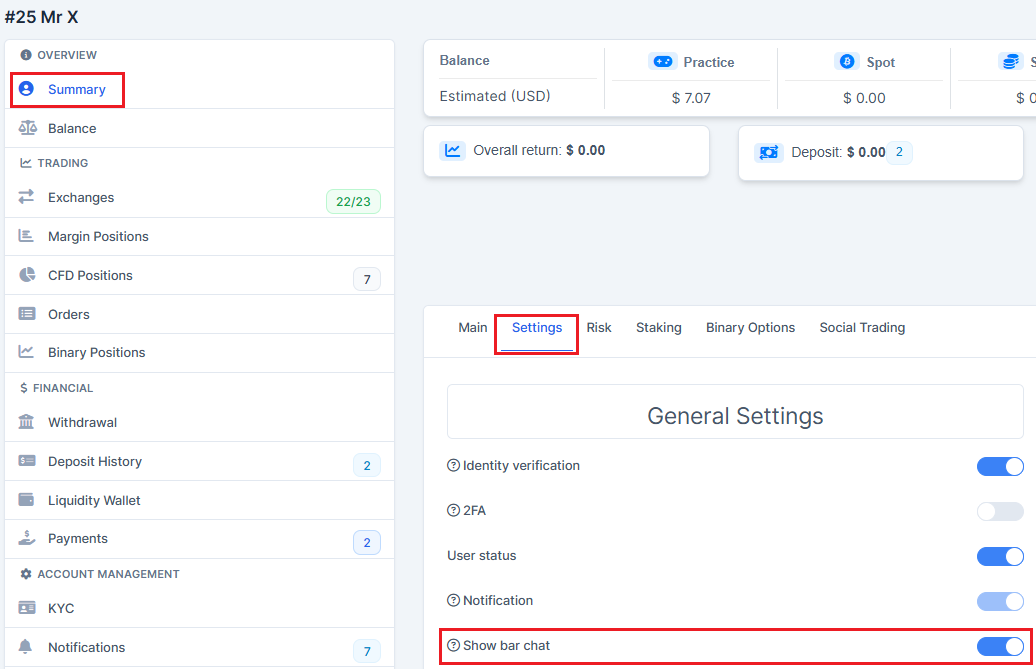
5. Press on "Save Settings" to remember the choice.

Way II
Step 1. Go to "Traders" tab.

Step 2. Press on the user's name.
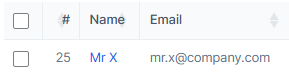
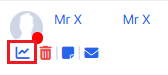
Step 3. Press on the platform access graph.
Step 4. Go to "Summary" tab, choose "Settings" and enable "Show bar chat".
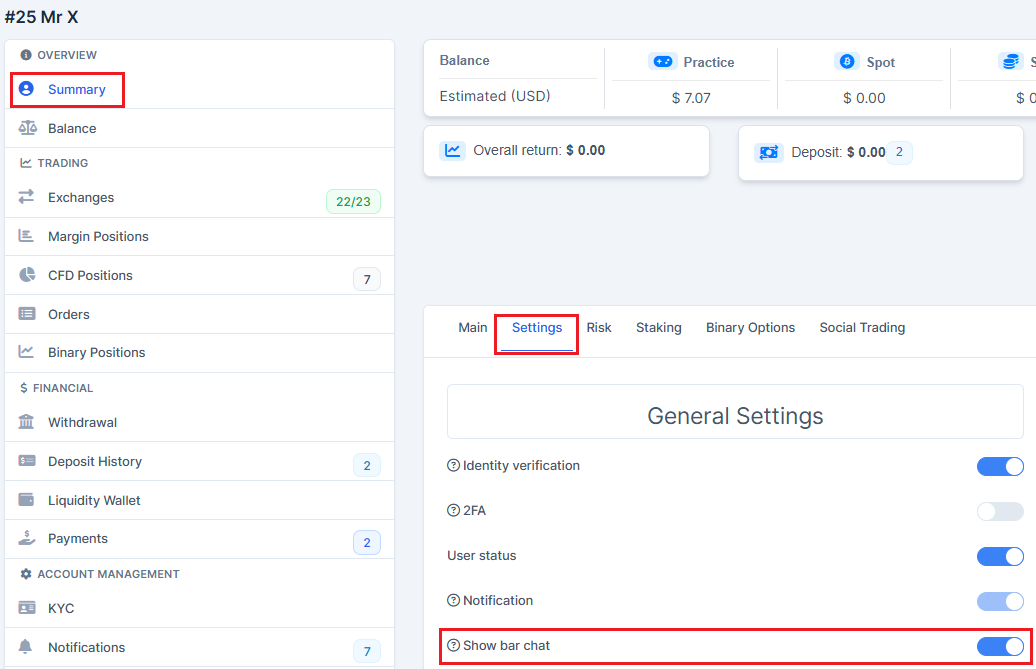
Step 5. Press on "Save Settings" to remember the choice.