IN THE CRM
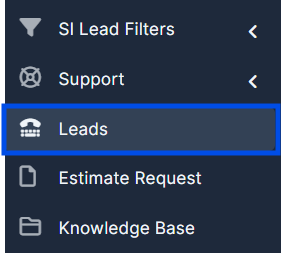
1. Go to "Leads" in the settings panel in the CRM.
2. Click on "Exported Leads".

3. Click on "Start export".

The export will take 2-3 minutes including balances
Find answers to your questions quickly
IN THE CRM
1. Go to "Leads" in the settings panel in the CRM.
2. Click on "Exported Leads".
3. Click on "Start export".
The export will take 2-3 minutes including balances