How To Find KYC Identification In The CRM?
IN THE CRM
Personal KYC
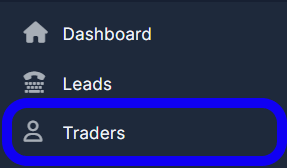
1. Go to the "Traders" tab in the left menu.
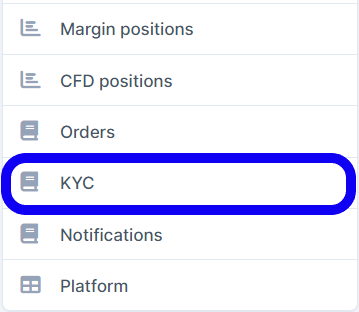
2. Find the trader you want to view KYC information for and click on the "View" button under his name.

3. Scroll down...
General KYC
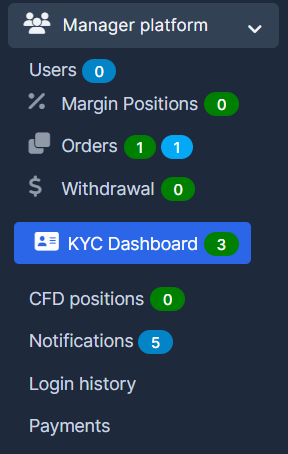
1. Go to "Manager Platform" and select "KYC Dashboard".
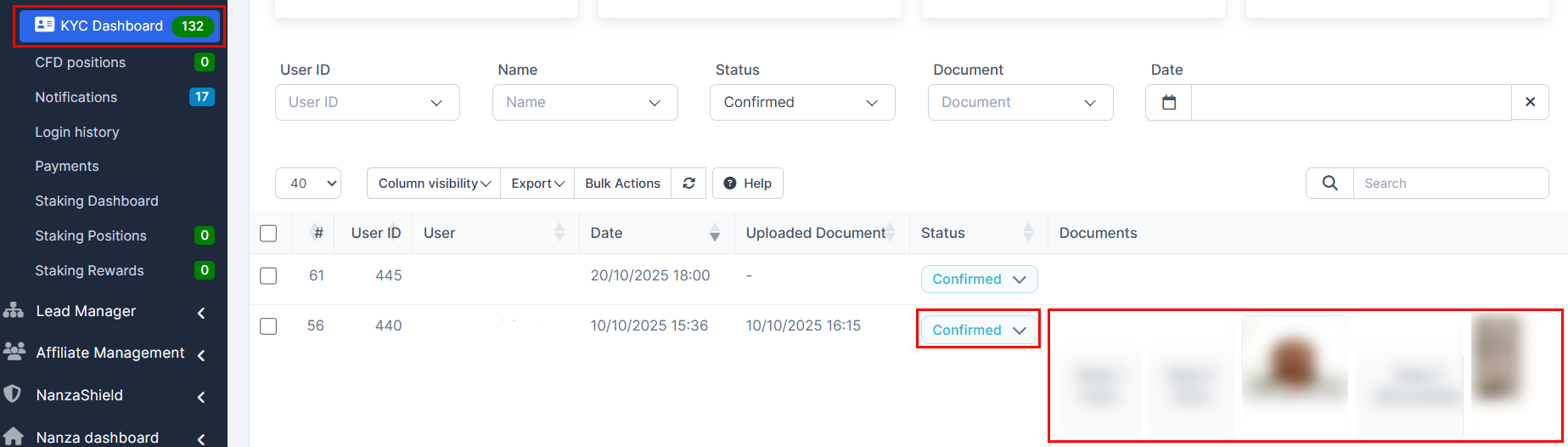
2. You can choose if to "Confirm" the status of the KYC of the client and view the papres which were submitted by the client.
You may also find this article useful for you: How to Set up the KYC Statuses?