How To Import Leads
IN THE CRM
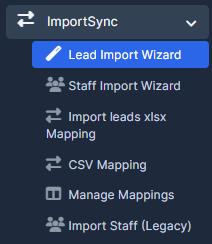
1. Go to the "Import Sync" in the left menu and chose "Lead import wizard".
OR
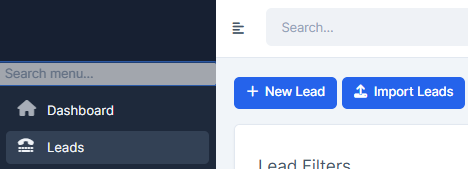
1. Go to the "Leads" in the left menu and chose "Import Leads".
2. Chose "Browse Files". Find the file in CSV (.csv), Excel (.xlsx, .xls).
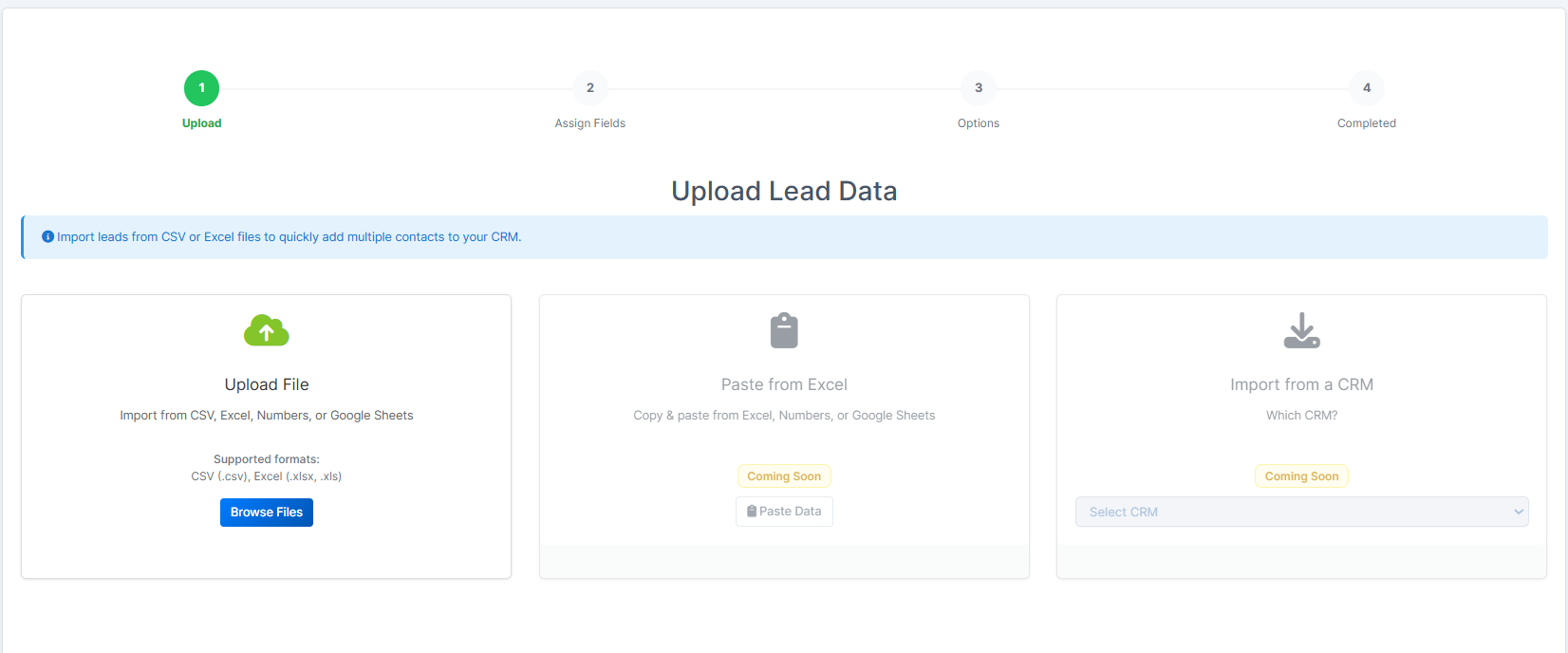
3. Press on "Continue".

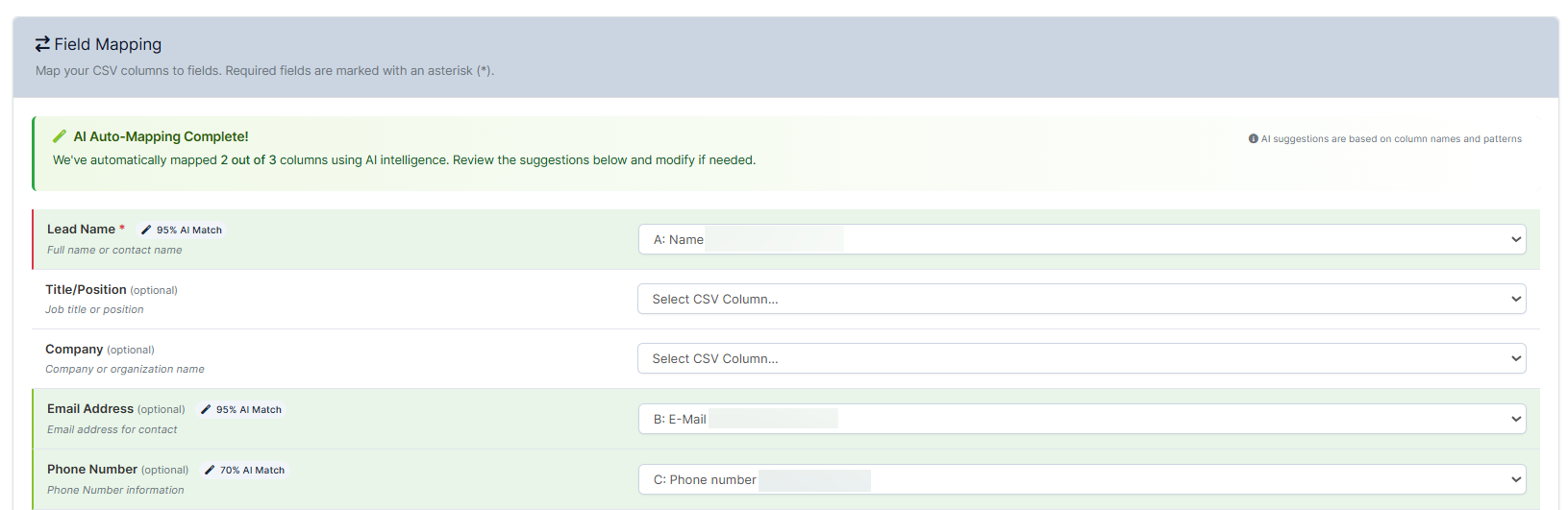
4. Set up the fields up to your request and press on "Continue".
5. Choose if you require doublication and the batch size, press "Start Import".
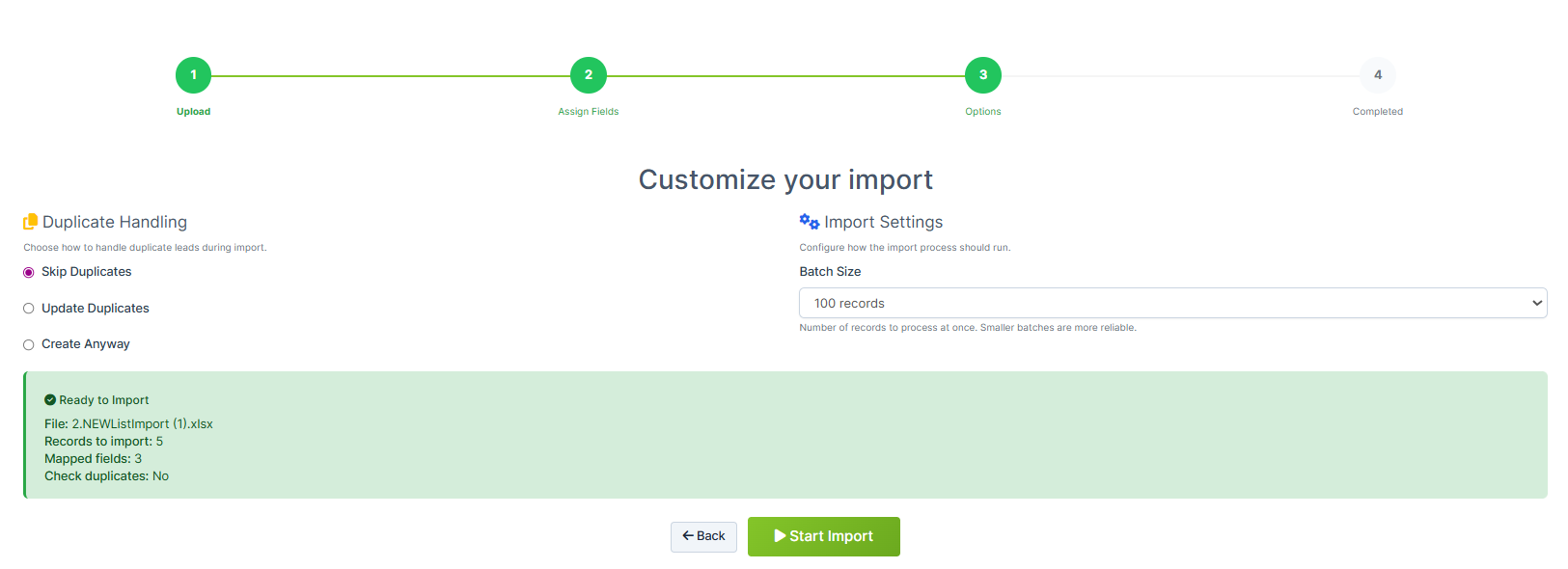
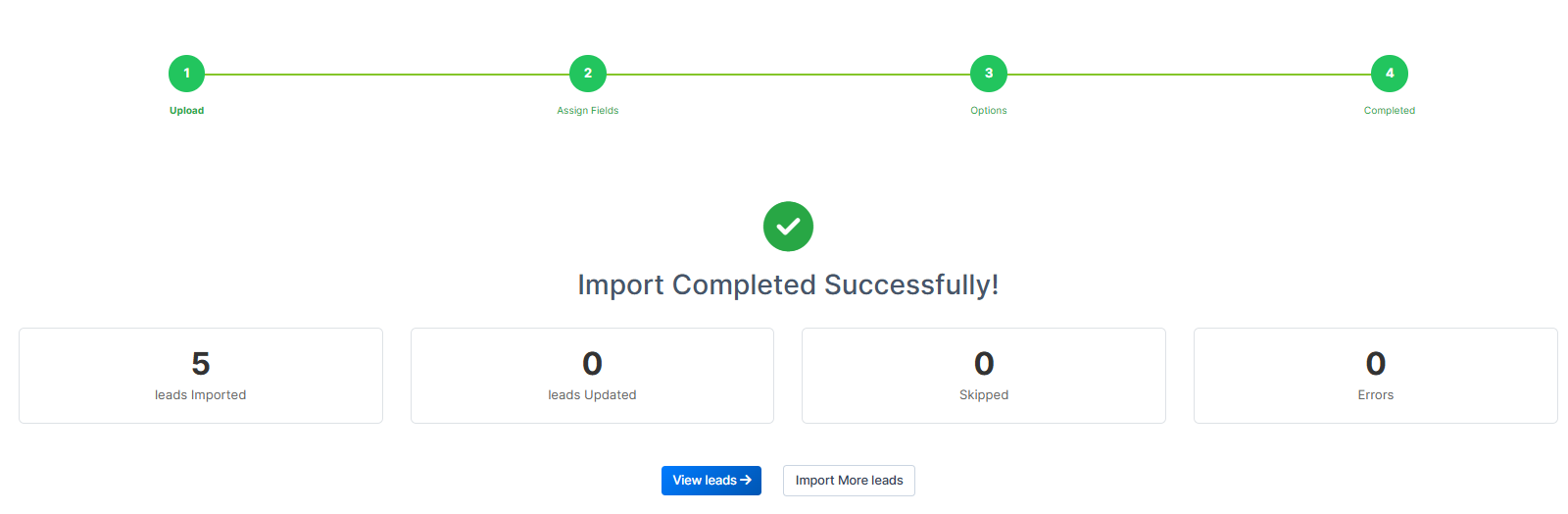
6. You will receive the progress message. Press on "View Leads" to be able to view newly imported leads.
FAQ
Q. How Lead Name field can be imported incorrectly?
A. Lead Name field must contain the full name of the client. It is also important to have the actual column of Lead Name in your original Excel file.
You need to create column for full name (let it be column T)
first_name in column P (e.g., P2)
last_name in column Q (e.g., Q2)
Then in column T (name), you can use the following formula in T2:
=CONCATENATE(P2, " ", Q2)
This will combine the first and last name into a single cell with a space in between.
And this column you select for the name