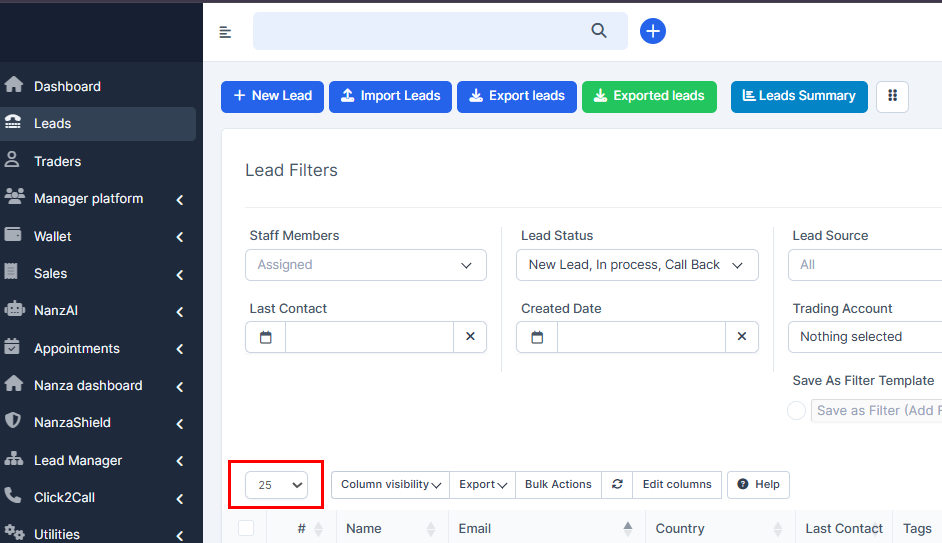
How to Increase Pagination Limit?
If you want to increase the number of entries available on the page, you may find this setting useful.
IN THE CRM
1. Go to "Setup".
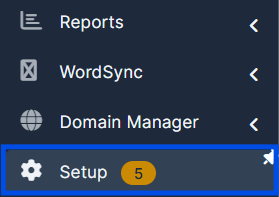
2. Go to "Settings".

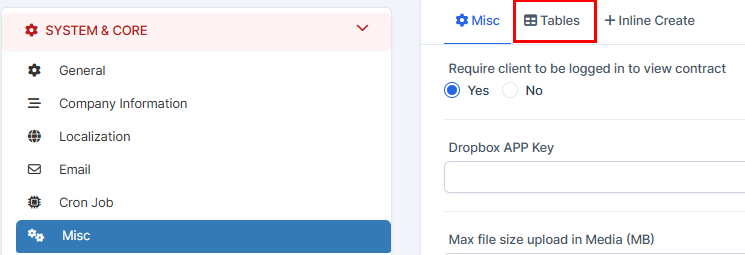
3. Choose "Misc" and get to "Tables".

4. Set the "Pagination" limit and press on "Save Settings" .
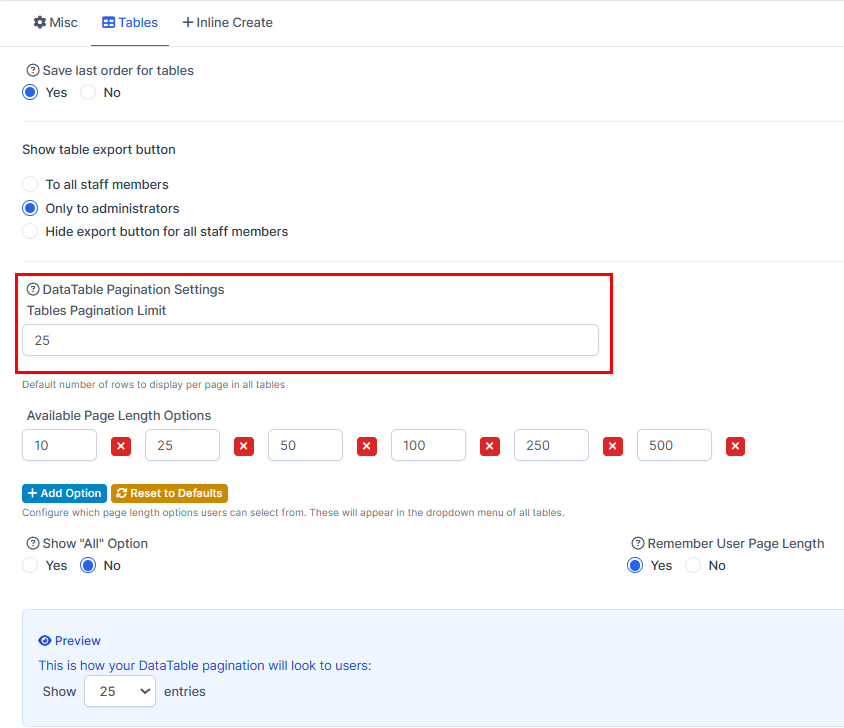
As a result, your settings will be set on every page. You can find them this way.