How to Keep Default Margin Balance Enabled?
IN THE CRM
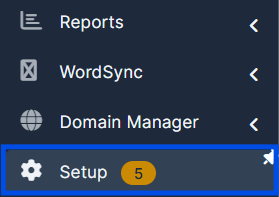
Step 1. Go to "Setup".
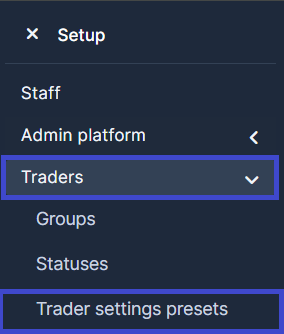
Step 2. In "Traders" go to "Trader settings presets".
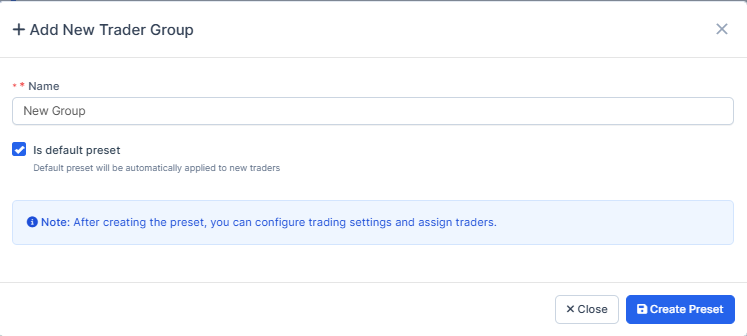
Step 3. Press on the "New Trader Group" button.

Step 4. Enter the name of your new trader group. You can choose whether the preset will be the default for new users.
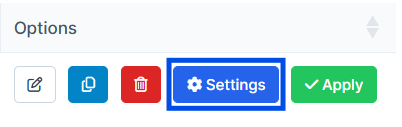
Step 5. Go back to the list of the presets and hoose the desired preset. Press on "Settings".
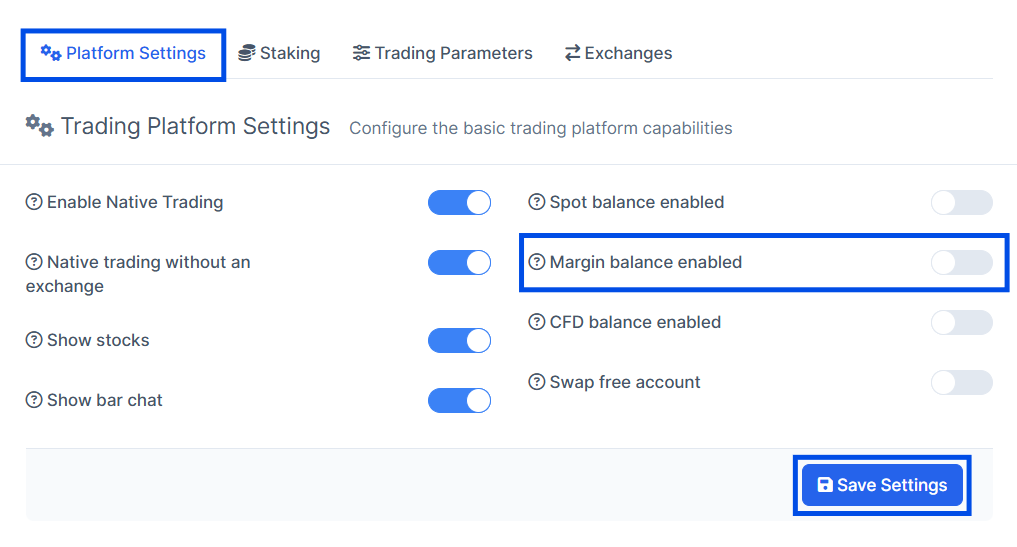
Step 6. Go to "Platform Settings". Enable Margin balance and press the "Save Settings" button. Up to your request this way you can enable or disable other balance types for the Traders Group.
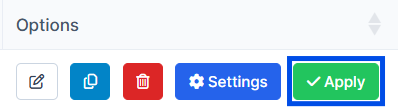
Step 7. After that, find the desired preset again on the page and click on the green Apply button to apply the updated settings to the entire group of users linked to that preset.