How to Modify Deposit Settings?
You may find this article useful for you: How To Set Wallet Address for Deposit?
IN THE CRM
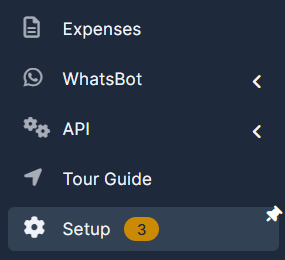
1. Go the the "Setup" on the menu from the left side of the page.
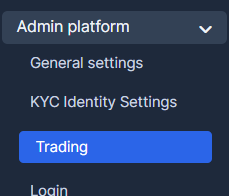
2. Go the the "Admin Platform" and chose "Trading".
3. Choose "Deposits" tab.
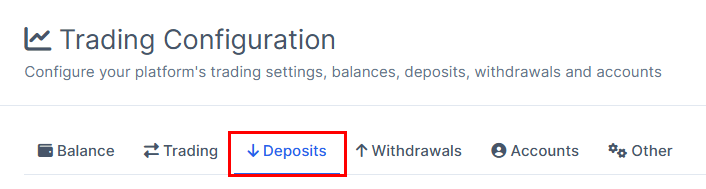
4. You can modify every field up to your request.
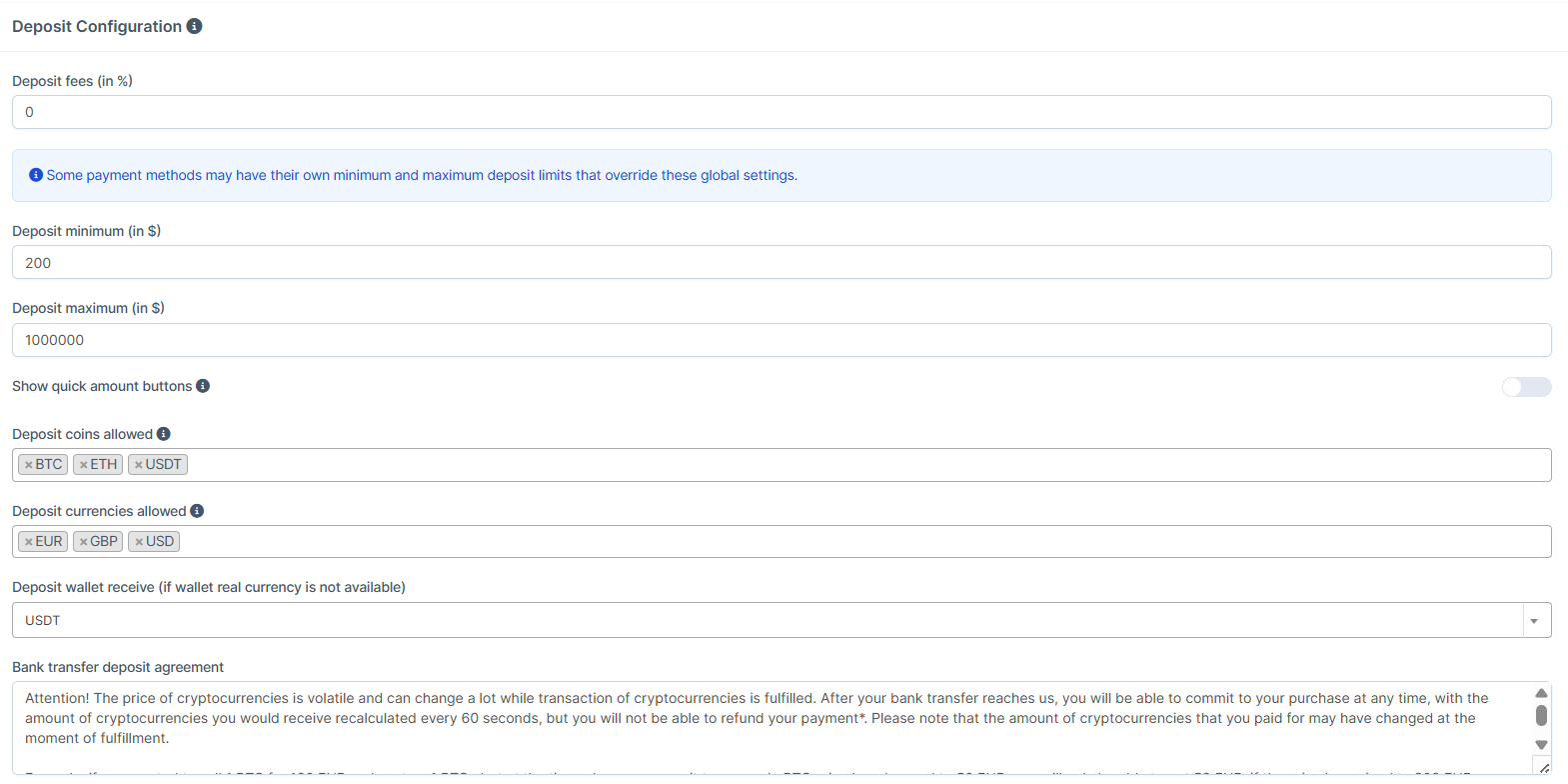
5. Once it's done, press on "Save Changes" for the system to remember your choice.