How to Restrict Support Access to Staff?
IN THE CRM
1. Go to "Setup".

2. Go to "Settings".

3. Choose "Support".
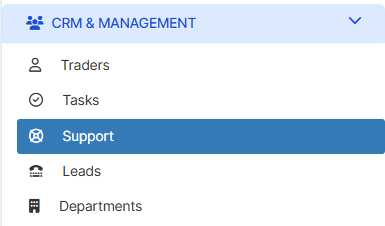
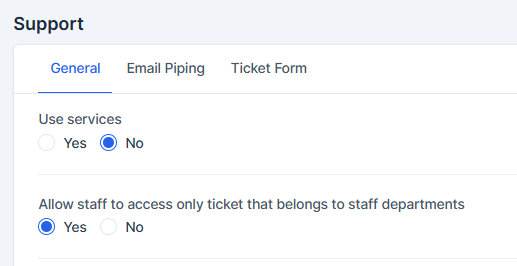
4. Go to "General" and choose "Allow staff to access only ticket that belongs to staff departments". Disable this setting.
5. Choose "Save Settings" to remember the settings.