How to Set a Default Role for the Agents' Creation?
IN THE CRM
1. Go to "Setups" tab in the menu.

2. Press on "Settings".

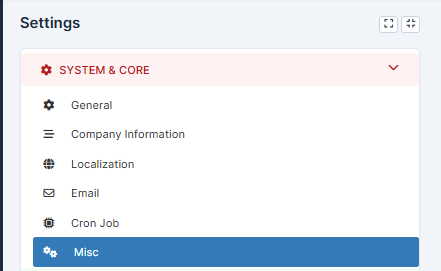
4. Choose "Misc" in "System & Core".
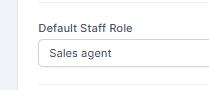
5. In the "Default Staff Role" choose the required one.
6. Press on "Save Settings" to remember your choice.