How to Set Only Staking on Your Platform?
IN THE CRM
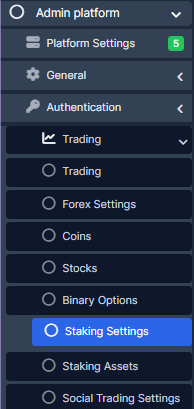
1. Go to "Setup" in the settings panel on the left side of the CRM. Choose "Admin Platform" tab, slelect "Trading" category and press "Staking Settings".
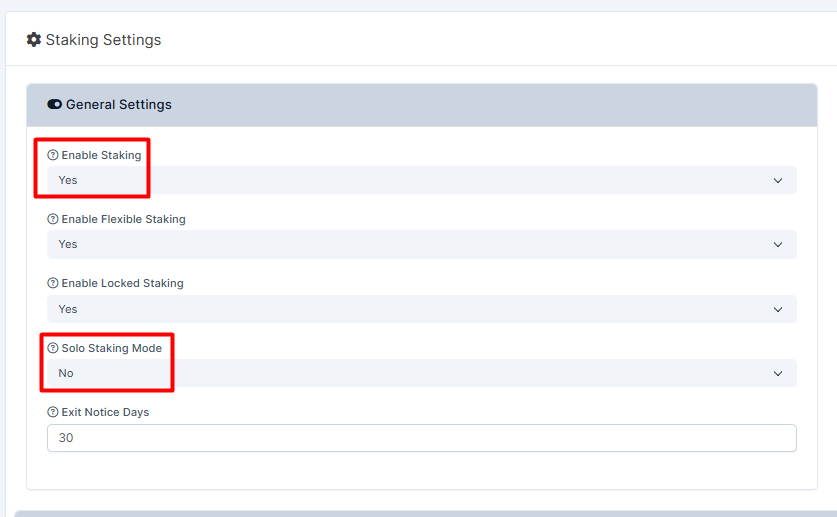
2. Make sure "Enable Staking" and "Solo Staking Mode" are on.
3. Press on "Save Settings".