How to Set Up Delayed API Convert?
IN THE CRM
1. Go to "Setup" in the settings panel on the left side of the CRM.

2. Choose "Settings" tab.

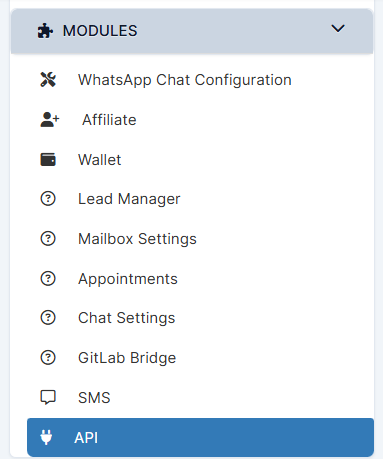
3. Go to the "Modules" category and chooose "API".
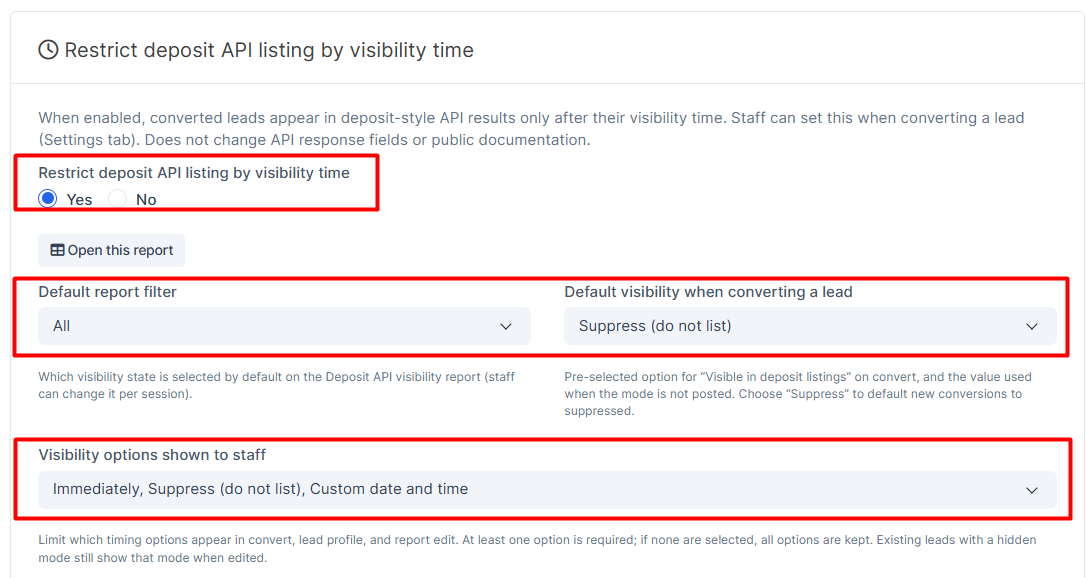
4. Enable the feature. Set up the settings accordingly to your requirement.
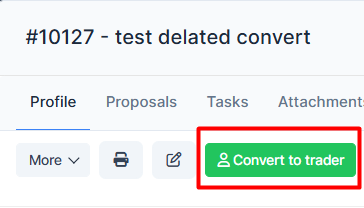
5. Choose the Lead and press "Convert to Trader".
‼️Please note‼️
When a lead has been converted to a trader, the affiliate gets a signature of the converted lead, in this case you will pay CPA for those leads you converted.
6. Press on "Settings". Choose the type of the "Visible Deposit Listings".
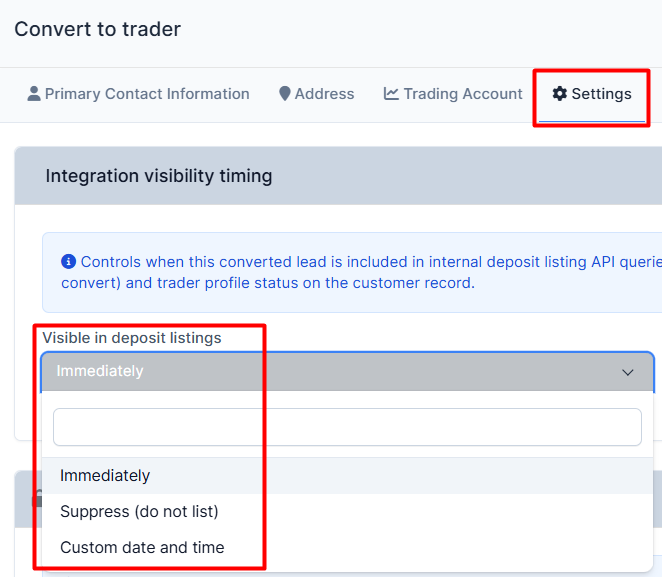
7. The "Custom date and time" and "Visible from" which will allow you to send the date and time when the Lead will appear to be converted. Press on "Submit" when done.

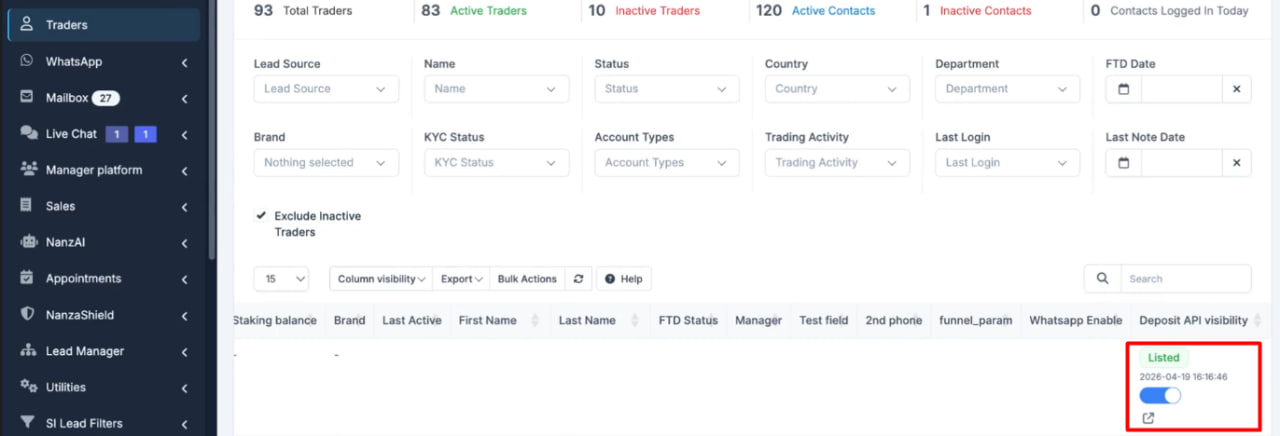
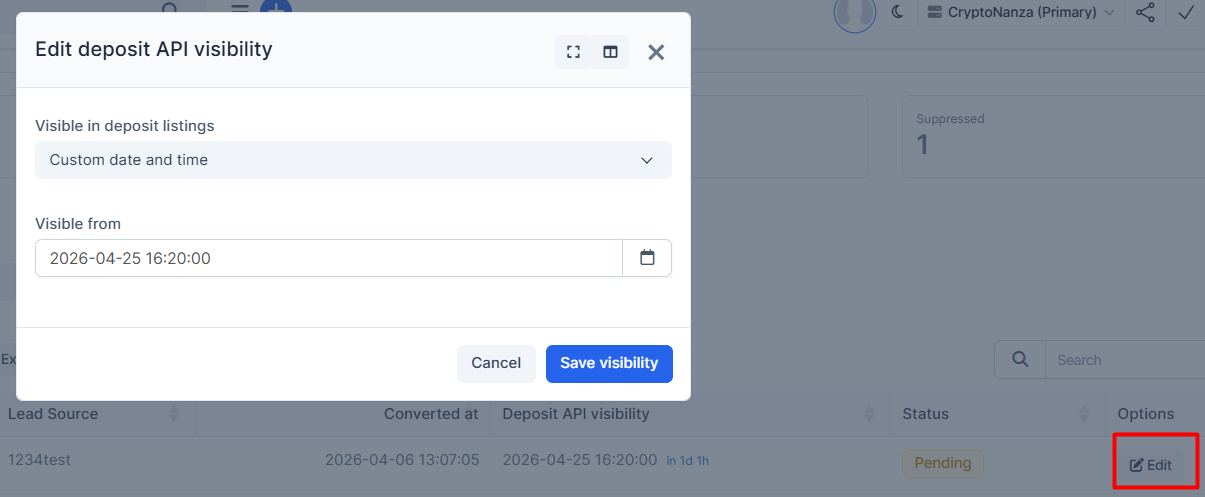
8. Go to the "API", press on the "Deposit visibility report". You will be able to see there the Status and the Dates of Conversion and Deposit API visibility.

Press on "Edit" to alter the information.