How to Set Up SMS Proivder?
IN THE CRM
1. Go to "Setups" tab in the menu.

2. Follow up to "Settings".

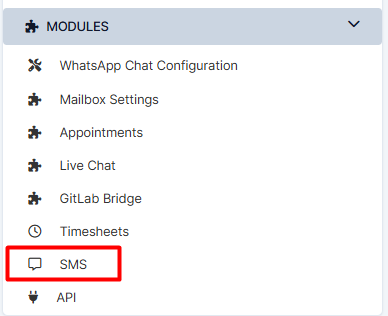
3. Choose "SMS".
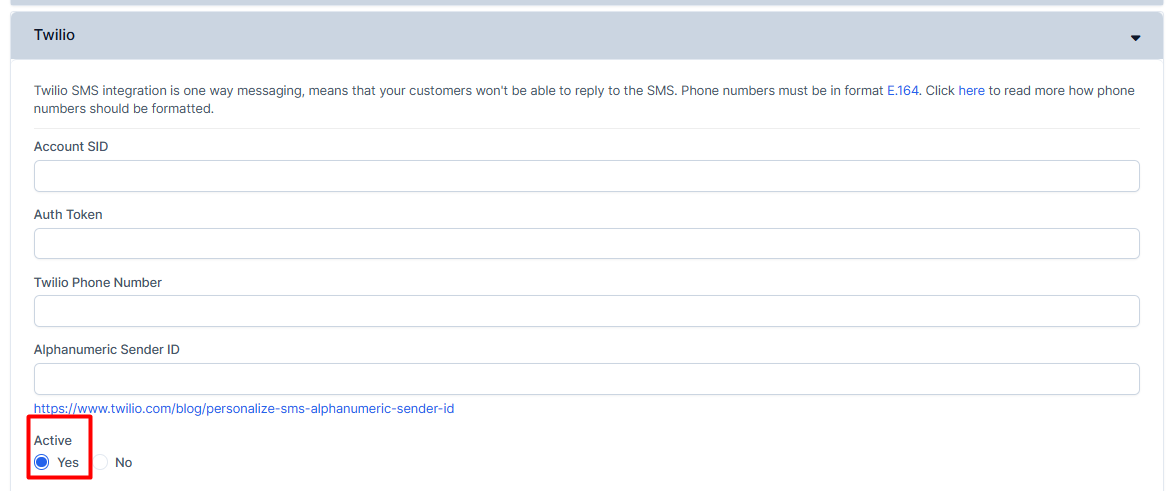
4. Select your provider, populate the fields with information given by your provider and make sure to activate it.
5. Press on "Save Settings" to remember your choice