How to Setup Nanza AI?

In the CRM
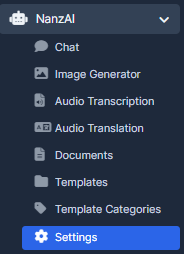
Step 1. Go to "NanzaAi" and choose "Settings".
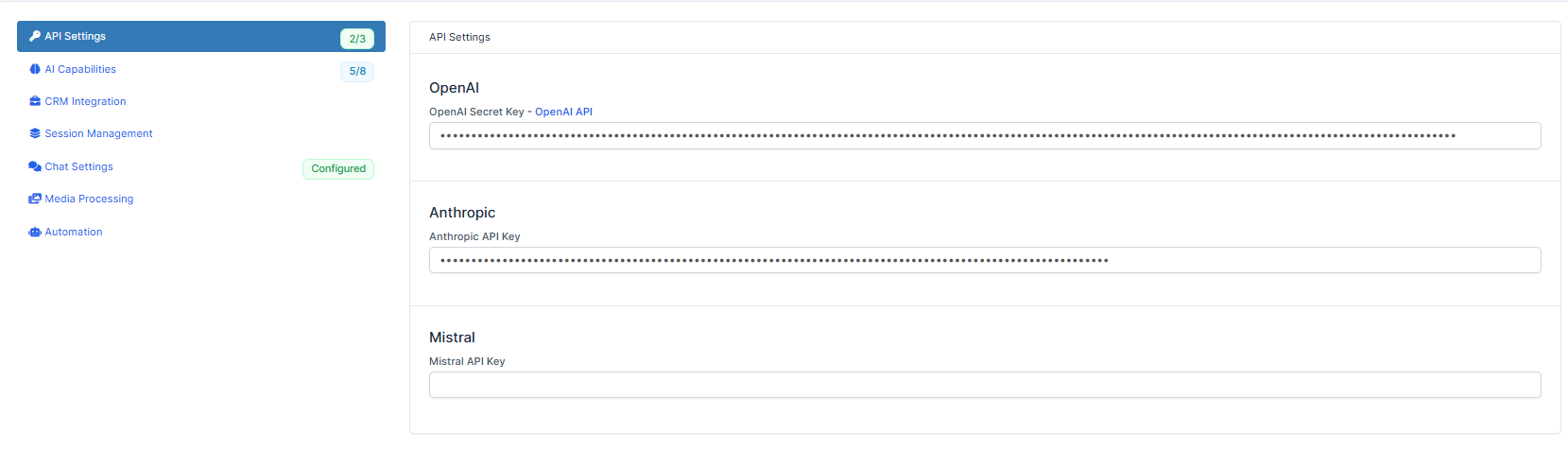
Step 2. Choose "API Settings" to set up the API.
Please note our support to provide your OpenAI key information.
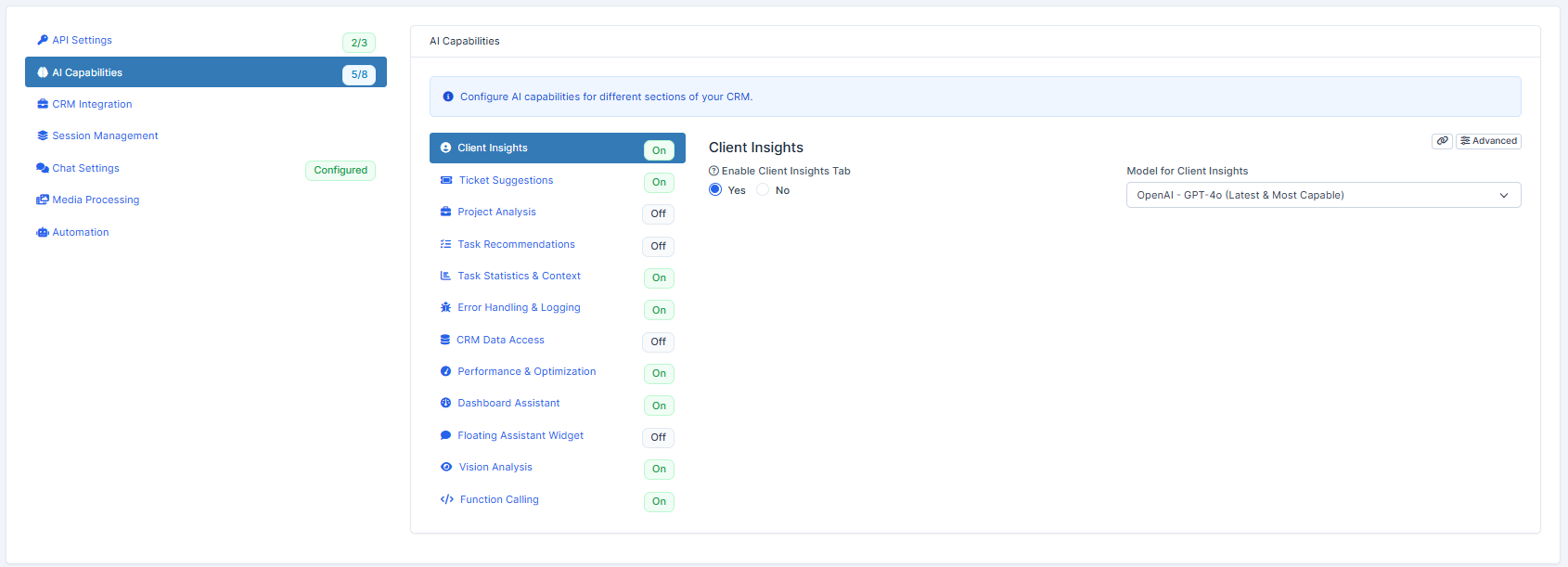
Step 3. Choose "AI Capabilities" to access and configure AI capabilities for different sections of your CRM. Our CRM offers a wide range of functionalities that can be set up according to your requirements. Just like on "Client Insights" example you can choose Model for Client Insights suitable for you.
Step 4. Follow to "CRM Integration" to configure how NanzAI integrates with your CRM features. You can manage Core integration settings and permissions.
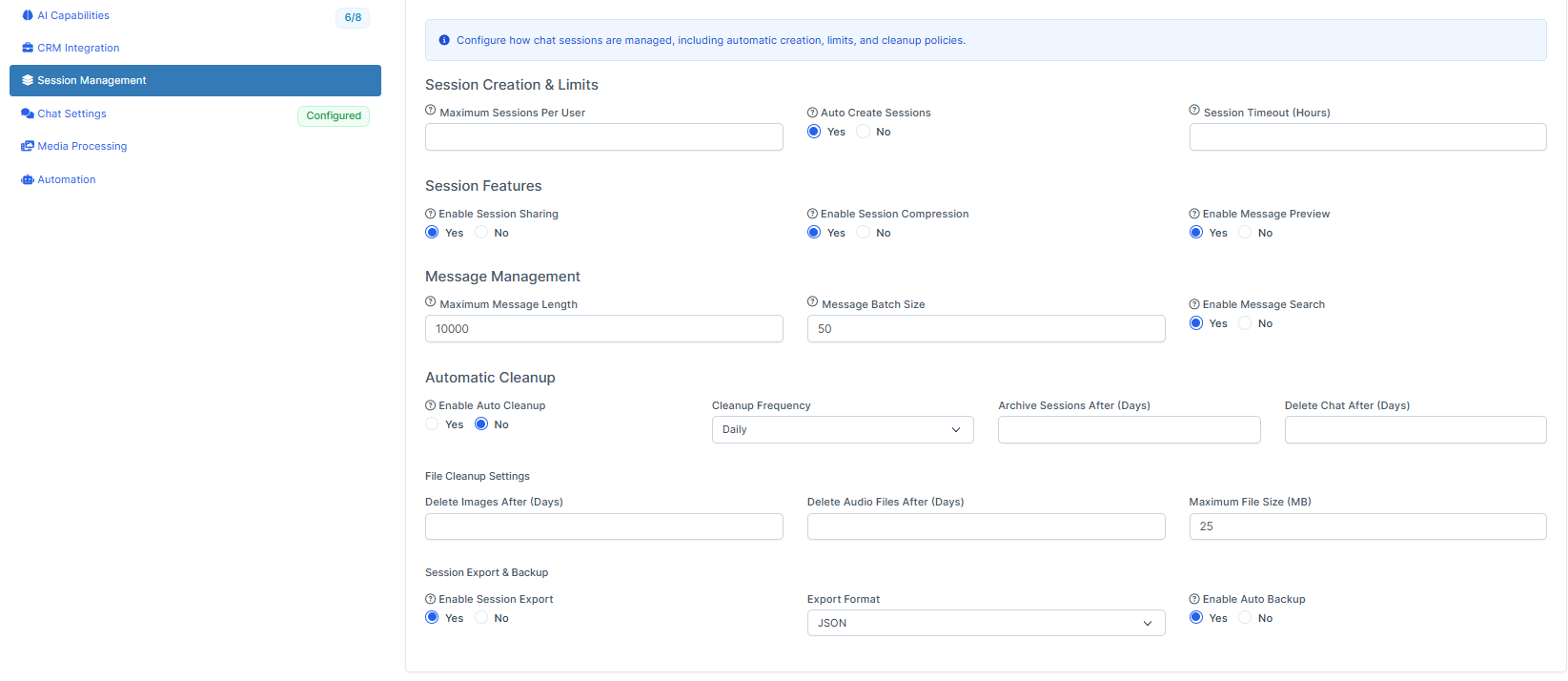
Step 5. Select "Session Management" to configure how chat sessions are managed, including automatic creation, limits, and cleanup policies.
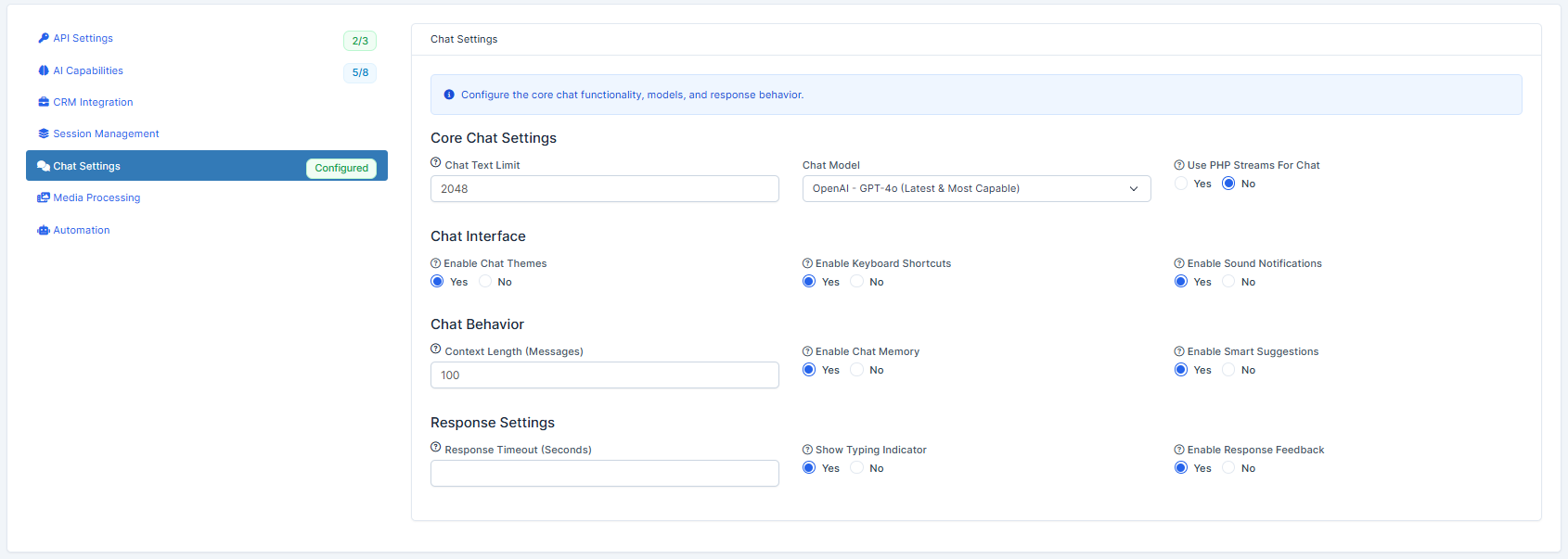
Step 6. Select "Chat Settings" to configure the core chat functionality, models, and response behavior.
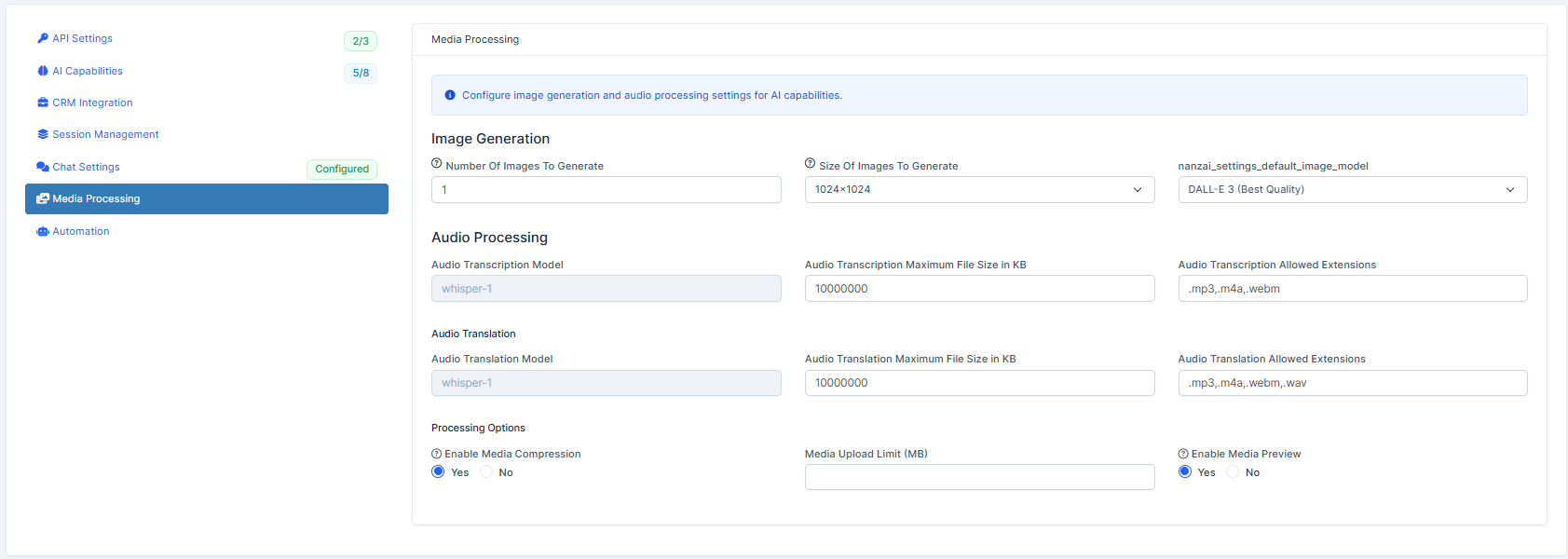
Step 7. Choose "Media Processing" to configure image generation and audio processing settings for AI capabilities. Among the functions, you can select the Nanza Settings, Default Image Model, Size of Images to Generate and Number of Images to Generate as you send the prompt request.
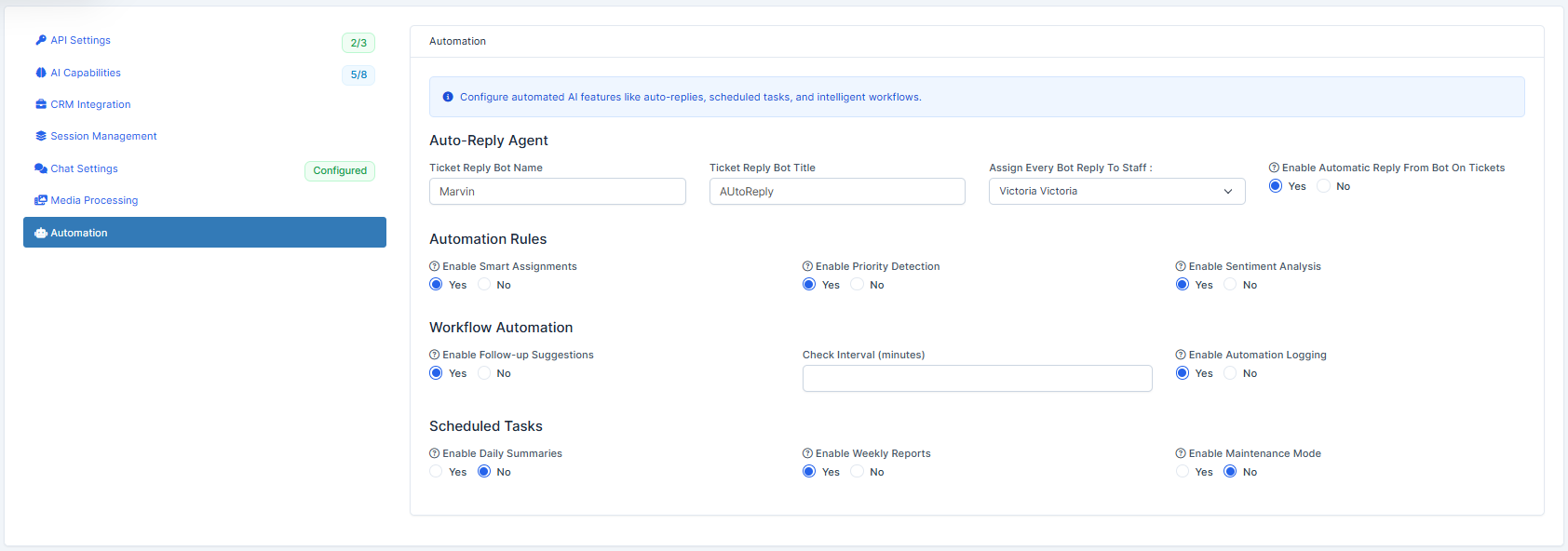
Step 8. Go to "Automation" to configure automated AI features like auto-replies, scheduled tasks, and intelligent workflows.
Step 9. Choose "Save" to remember the settings or "Save & Open Chat".
