IN THE CRM
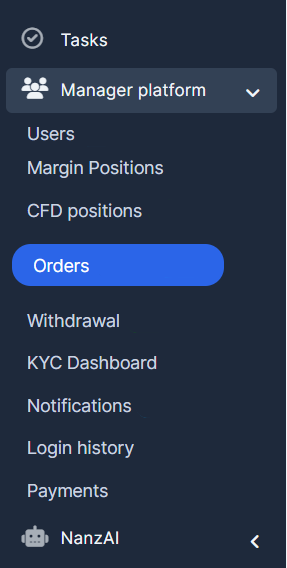
1. Go to "Manager Platform" in the left menu and click on the "Orders".
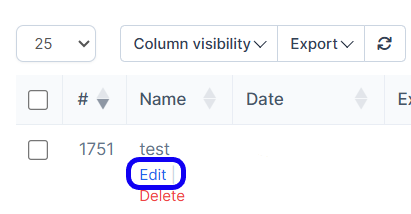
2. Look up for an order you want to update and click "Edit" under its name.
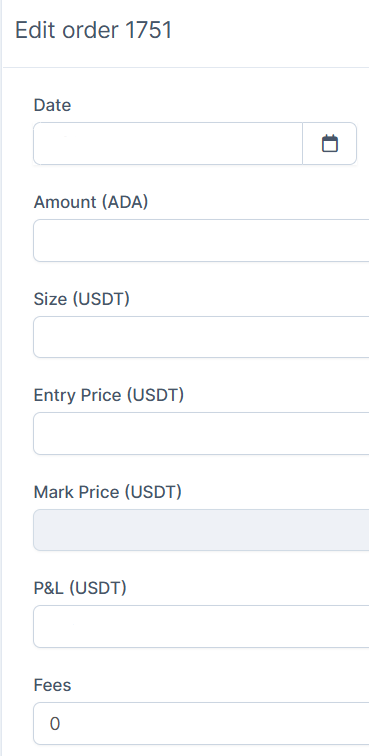
3. Edit the required fields.
4. Click "Update" at the bottom left corner.
Find answers to your questions quickly
IN THE CRM
1. Go to "Manager Platform" in the left menu and click on the "Orders".
2. Look up for an order you want to update and click "Edit" under its name.
3. Edit the required fields.
4. Click "Update" at the bottom left corner.