How To Whitelist Staff Members?
IN THE CRM
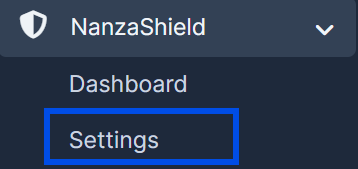
1. Go to "NanzaShield" in the left menu and select "Settings".
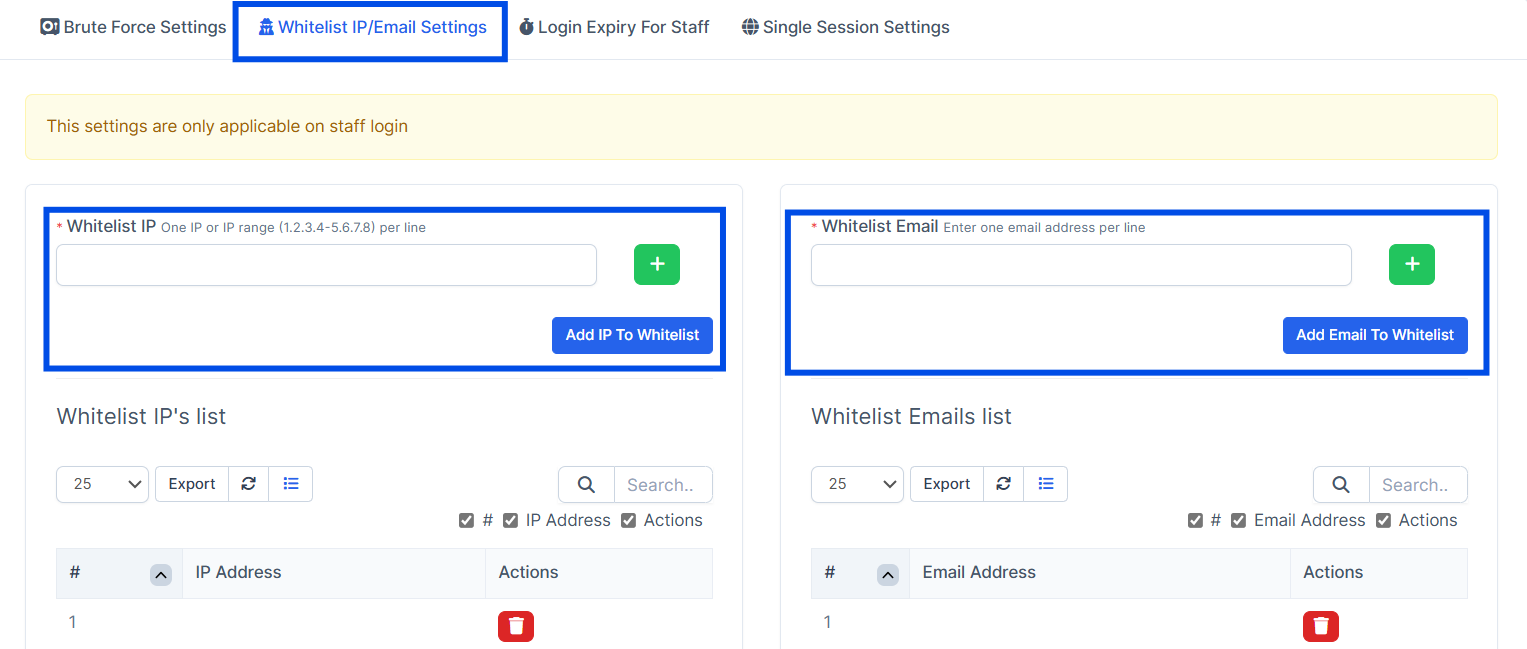
2. Click the "Whitelist IP/Email settings" button and input an IP or email address to the according field.
After you've done so, press the "Add IP To Whitelist" or "Add Email to Whitelist" to save the changes.
How To Blacklist Staff Members?
1. Go to "NanzaShield" in the left menu and select "Settings".