CRM Features and Updates
Roles visualization — clearer previews, safer edits, and Lead Manager context
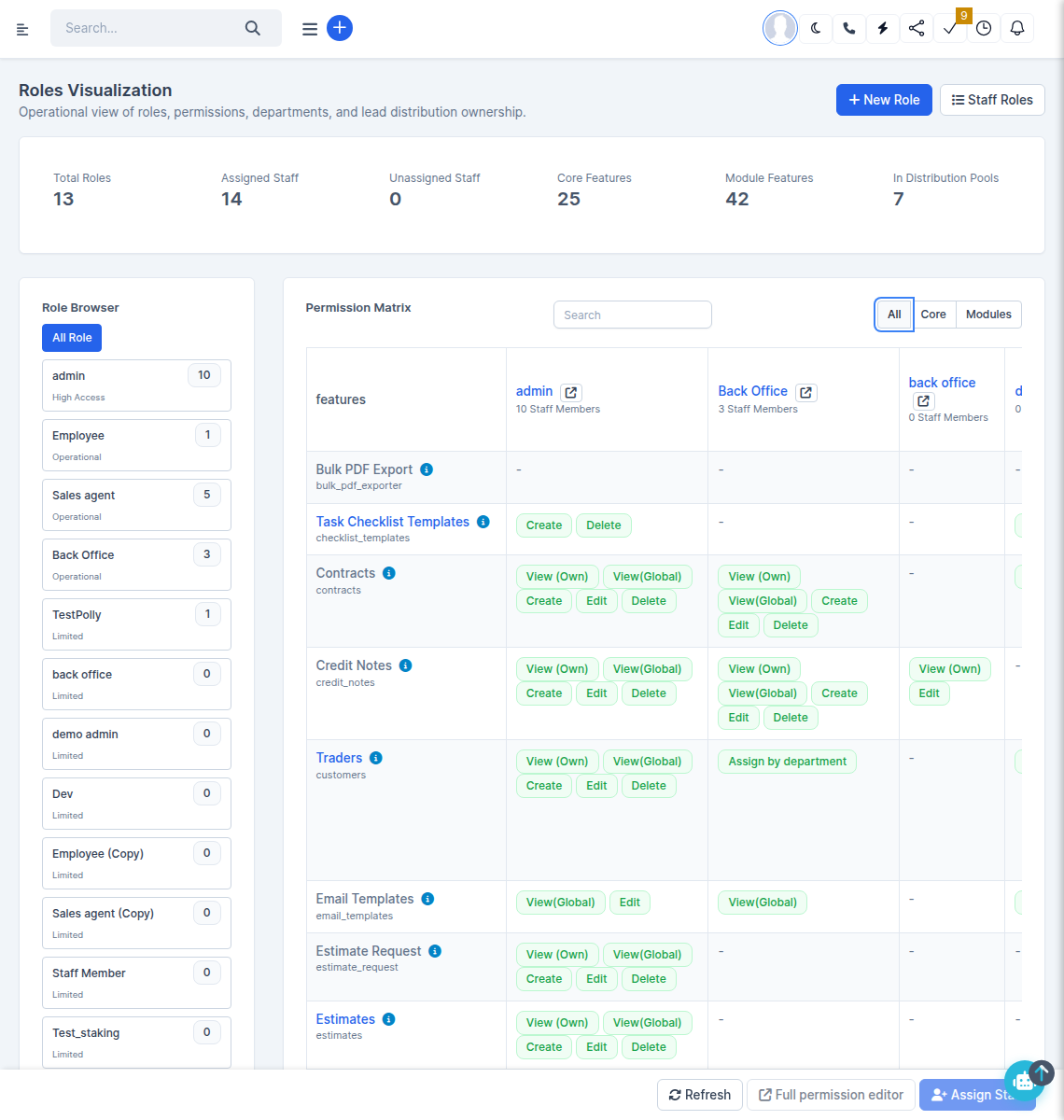
What was added:
- On the Roles visualization screen, when you select a role in the Role Browser, you get a clearer picture of what that role can access in the CRM, including a “What this role can see (preview)” section.
- If you have permission to edit roles, you can adjust the role template directly from the matrix: choose a single role, toggle capabilities, optionally use the same bulk pattern presets as the full permission editor (view-only, full access, and so on), and choose whether to push changes to all staff currently assigned to that role — the same choice you have when editing a role in the usual way.
- A new staff compare table highlights members whose personal permissions differ from the role template (missing or extra capabilities), so you can spot outliers before or after a template change.
- Cells that show access only because of a staff override are called out in the UI; you can promote those capabilities into the role template where appropriate.
- Lead Manager adds contextual hints and a quick link to Lead sources when distribution and department routing matter for the selected role — keeping routing rules aligned with “view department” behavior.
- Navigation: Setup → Roles → on the roles list, open Roles visualization (next to New role); use Full permission editor on the toolbar when you need the classic bulk tools or search.
Permission matrix and template tools
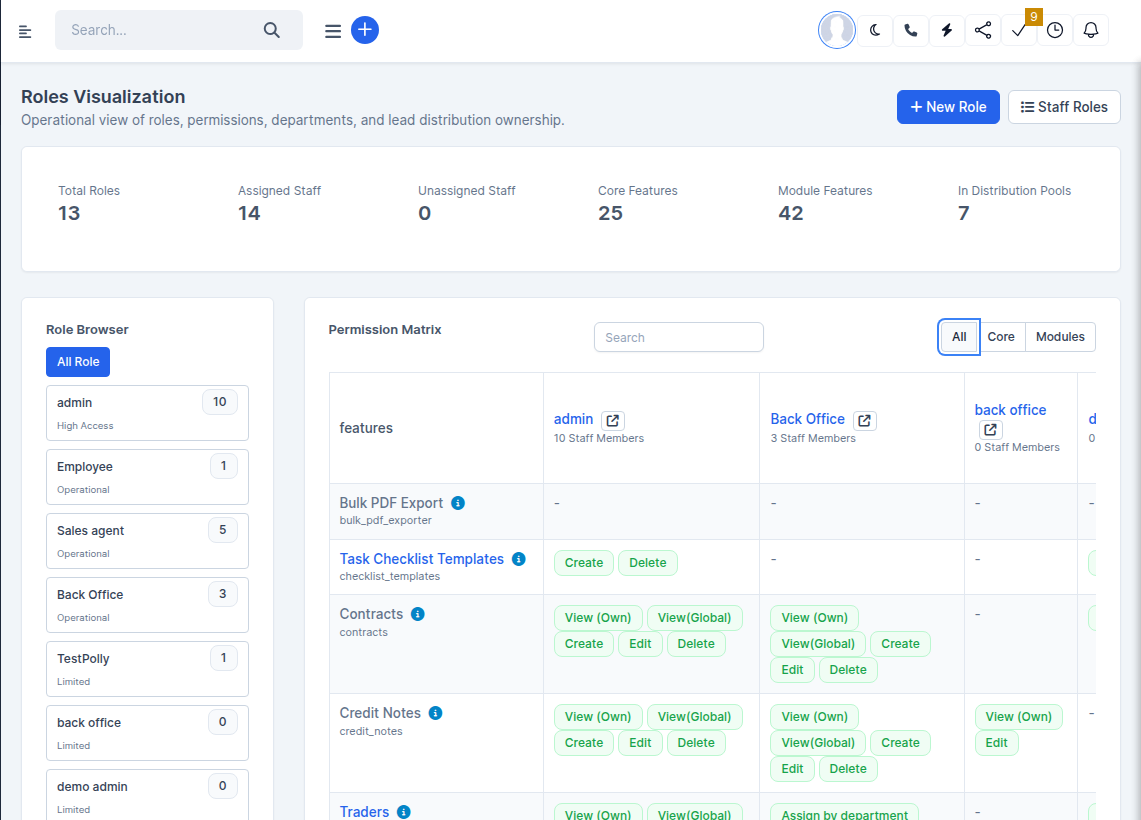
What was added:
- Use the All / Core / Modules filters and the matrix search to narrow a large permission grid.
- When editing is enabled, the Push to staff checkbox and confirmation prompts help prevent accidental mass updates — read the banner text before applying clears or pattern presets.